
Apk Installer on WSA
for Windows- Name Apk Installer on WSA
- Category Utilities & tools
- Downloads 64,000,000+
- Developer An APK Installer for WSA
- Available on PC, Mobile, Surface Hub, HoloLens
- OS Windows 10 version 17763.0 or higher
- Architecture x86, x64
Pros
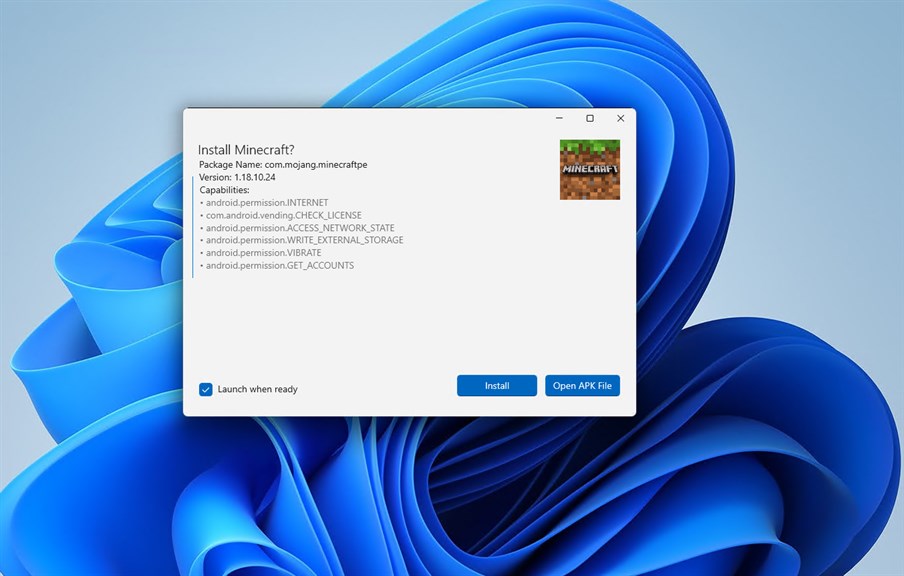
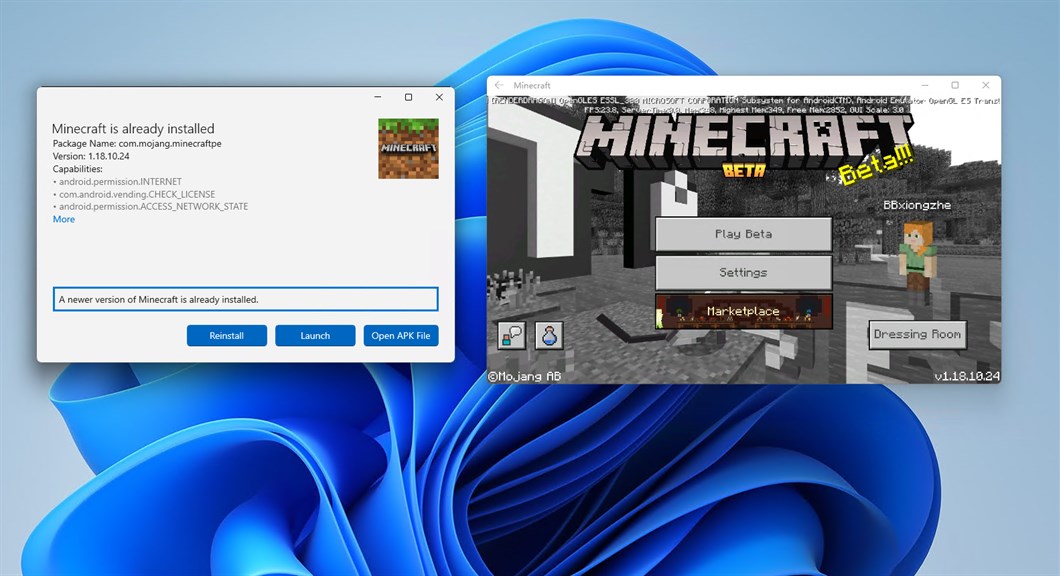
1. Simplified Installation: Apk Installer on WSA streamlines the process of installing Android apps on Windows Subsystem for Android, allowing users to install APKs directly without complex workarounds.
2. User-Friendly Interface: It offers an intuitive user interface that makes it easy for users to manage and install Android applications on their PC without needing extensive technical knowledge.
3. Compatibility Management: The software automatically handles compatibility checks and prerequisites, ensuring the Android apps installed are compatible with the Windows Subsystem for Android environment.
Cons
1. Limited Compatibility: The Apk Installer on WSA is designed for ARM-based apps, which may limit compatibility with software originally built for x86 or x64 architectures, potentially excluding a wide range of applications not adapted for ARM.
2. Security Concerns: Installing APKs from unofficial sources can expose PCs to security risks such as malware, as WSA may not have the same level of protection and vetting as official app stores.
3. Performance Issues: Even with the proper compatibility layer, some apps may not perform as well on WSA as on native platforms, leading to slower response times, glitches, or reduced functionality, impacting user experience.


