
Quick Assist
for Windows- Name Quick Assist
- Category Utilities & tools
- Downloads 99,000,000+
- Developer Microsoft Corporation
- Available on PC
- OS Windows 10 version 17763.0 or higher
- Architecture x86, x64, Arm64
Pros
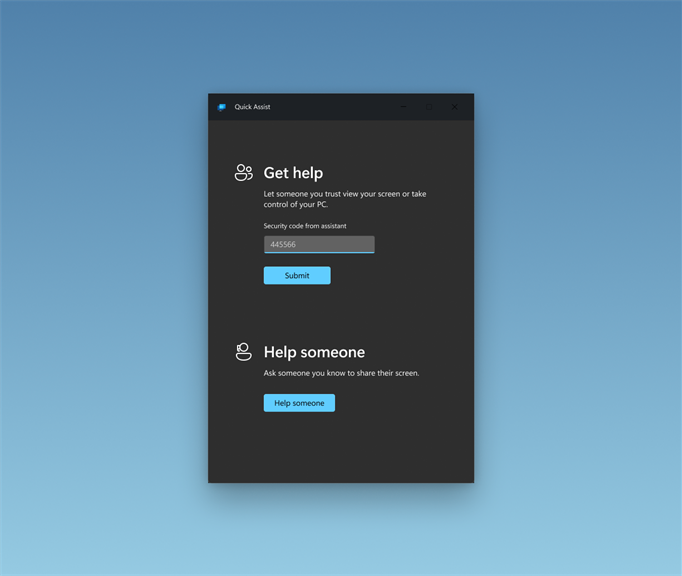
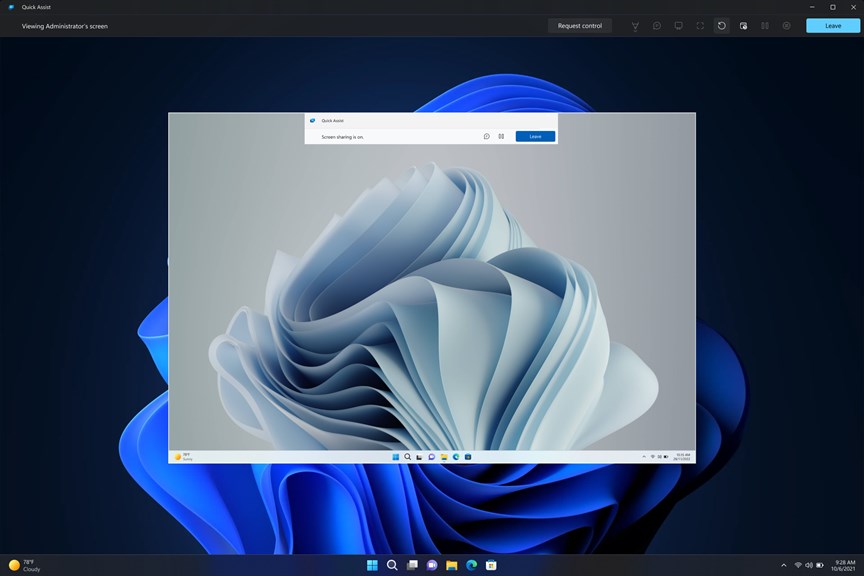
1. Quick Assist software allows for remote assistance, enabling the efficient resolution of technical issues. Its screen sharing capability allows the user to directly view and access the remote PC, making troubleshooting faster and more convenient.
2. With Quick Assist, users can easily invite others to remotely connect to their PC or connect to another person's PC, reducing the need for in-person support. This saves time and effort, particularly in situations where physical distance or mobility is a constraint.
3. Quick Assist offers a secure and built-in solution for remote assistance, eliminating the need to download additional software or rely on third-party applications. It ensures data privacy and minimizes risks associated with sharing screens and granting remote control access to the PC.
Cons
1. Limited functionality: Quick Assist software lacks advanced features like file transfer, remote printing, or multi-monitor support, restricting its potential for comprehensive remote assistance.
2. Dependency on stable internet: Unstable or slow internet connections can hinder the performance of Quick Assist, disrupting remote assistance sessions and causing delays in troubleshooting.
3. Windows-exclusive compatibility: Quick Assist is only available for Windows operating systems, making it inaccessible for users on other platforms such as Mac or Linux, limiting its usability in heterogeneous environments.


