
Snipping Tool
for Windows- Name Snipping Tool
- Category Utilities & tools
- Downloads 88,000,000+
- Developer Microsoft Corporation
- Available on PC
- OS Windows 11 version 22000.0 or higher
- Architecture x64, Arm64
Pros
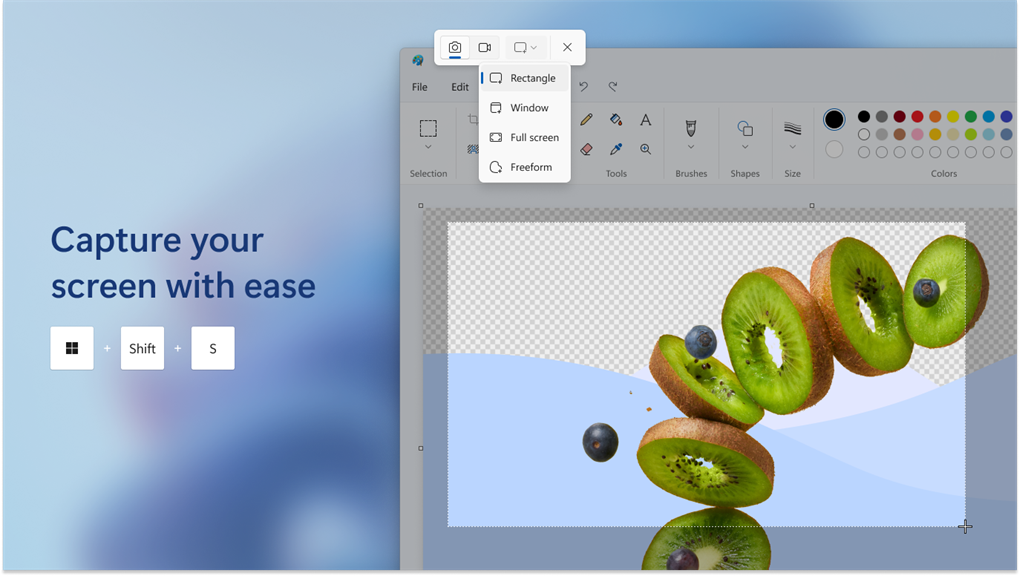
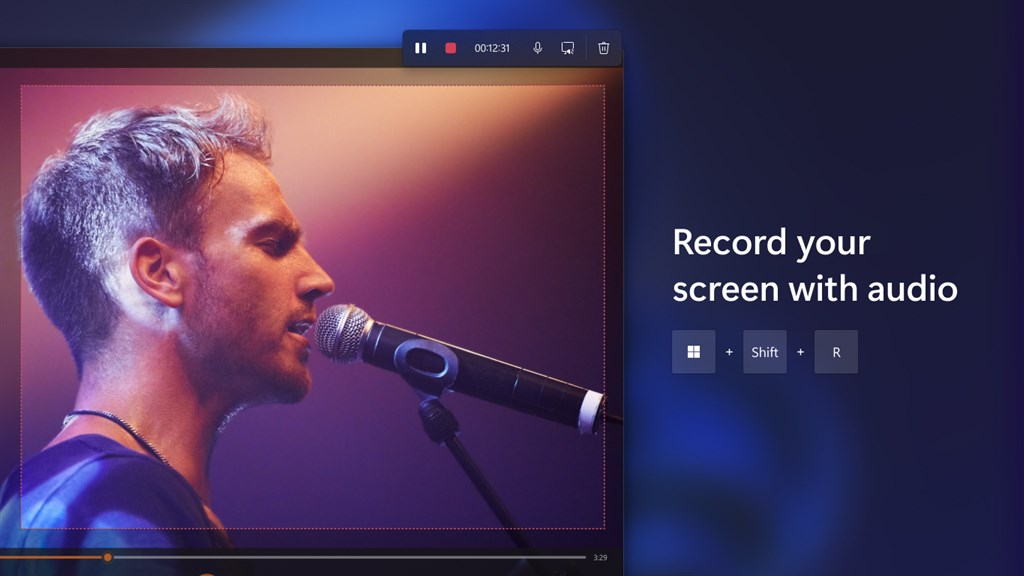
1. The Snipping Tool allows for easy and quick capturing of screenshots on your PC, enabling you to capture specific regions, windows, or the entire screen with just a few clicks.
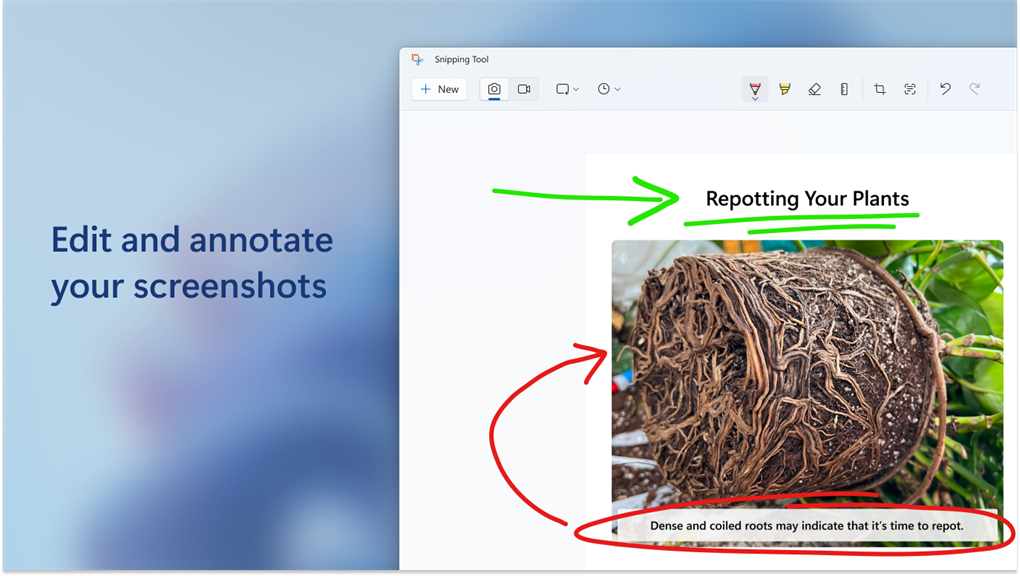
2. With the Snipping Tool, you can easily annotate and highlight the captured screenshots, making it convenient for adding notes, instructions, or emphasizing important details.
3. The Snipping Tool provides various saving options, allowing you to save the captured screenshots in different file formats (such as JPEG, PNG, or GIF) and easily share them via email, messaging apps, or other platforms.
Cons
1. Limited functionality: The Snipping Tool lacks advanced editing options such as cropping, resizing, and adding annotations, limiting its use for more complex editing tasks.
2. No delayed capture: Unlike other similar tools, the Snipping Tool does not provide an option for delayed captures, making it difficult to capture time-sensitive content or menus that require additional steps.
3. Windows exclusivity: As a built-in tool for Windows operating systems, the Snipping Tool is not available for use on Mac or Linux platforms, restricting its accessibility for users of other operating systems.


