
Record Screen - FREE
for Windows- Name Record Screen - FREE
- Category Utilities & tools
- Downloads 23,000,000+
- Developer V3TApps
- Available on PC
- OS Windows 10 version 17763.0 or higher
- Architecture x64
Pros
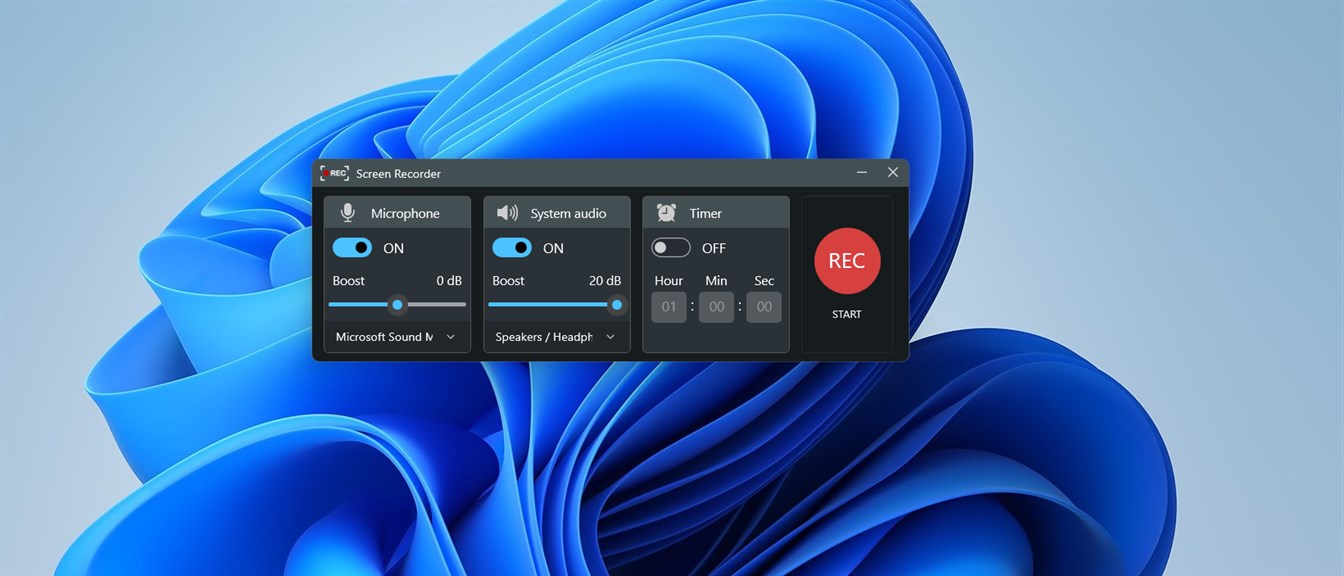
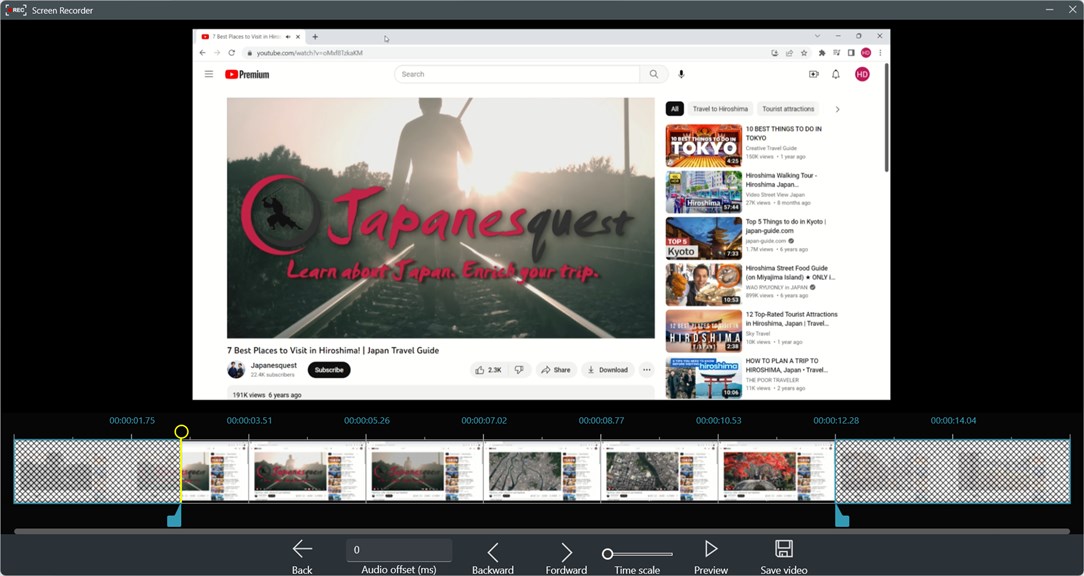
1. Record Screen - FREE software for PC allows you to effortlessly capture your screen activities, making it ideal for creating educational tutorials, demonstrating software functionality, or sharing game play. Its user-friendly interface enables easy recording and editing, enhancing productivity and convenience.
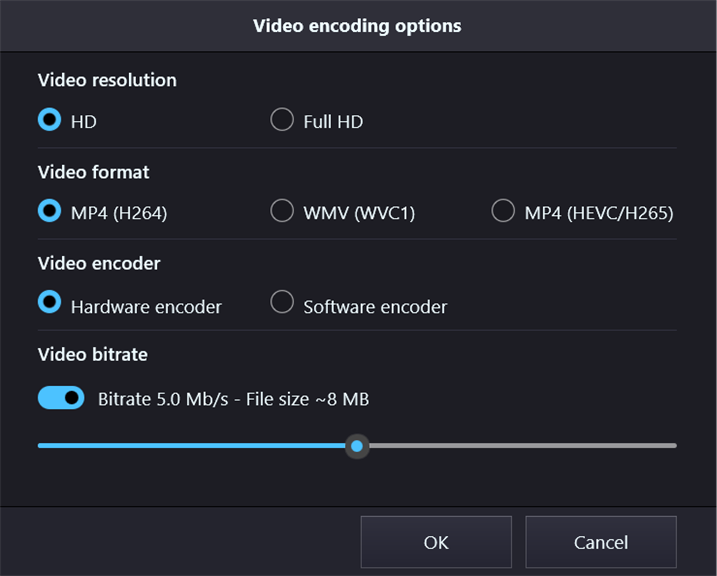
2. With Record Screen - FREE software for PC, you can record your screen in high quality, ensuring the clarity of your captured content. Whether you need to capture videos, take screenshots, or record audio, this software provides reliable and professional results, enhancing your presentations, tutorials, or creative projects.
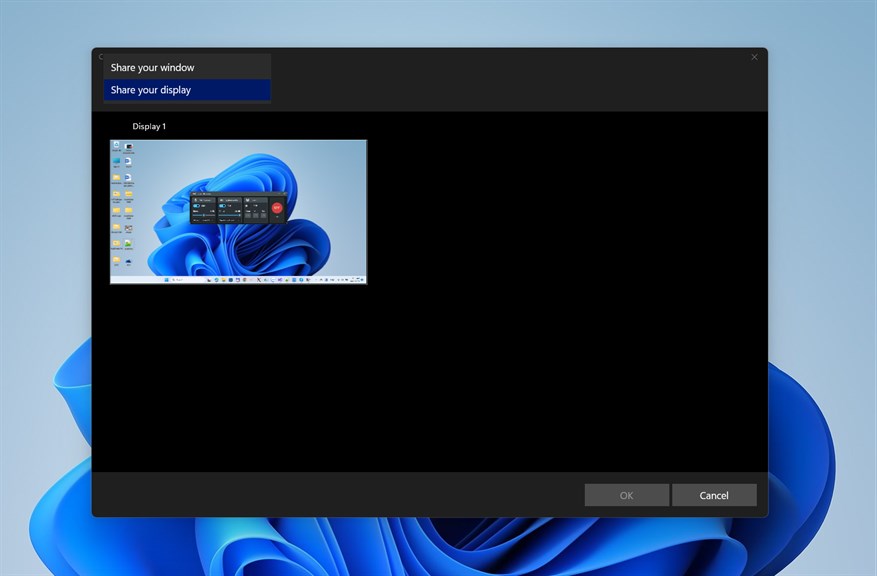
3. The Record Screen - FREE software for PC offers flexible customizability, giving you control over your recordings. Adjust the recording area, choose specific audio sources, and customize hotkeys to suit your preferences. This software empowers you to tailor your screen recordings to your unique requirements, providing efficiency and flexibility in your work.
Cons
1. Limited recording options: Record Screen - FREE software for PC may have limited features for recording, such as no support for recording system audio or only capturing a fixed region of the screen, restricting its usability for certain purposes.
2. Watermarked videos: The free version of the software may include watermarks on recorded videos, which can be distracting or unprofessional if the recordings are intended for sharing or professional use.
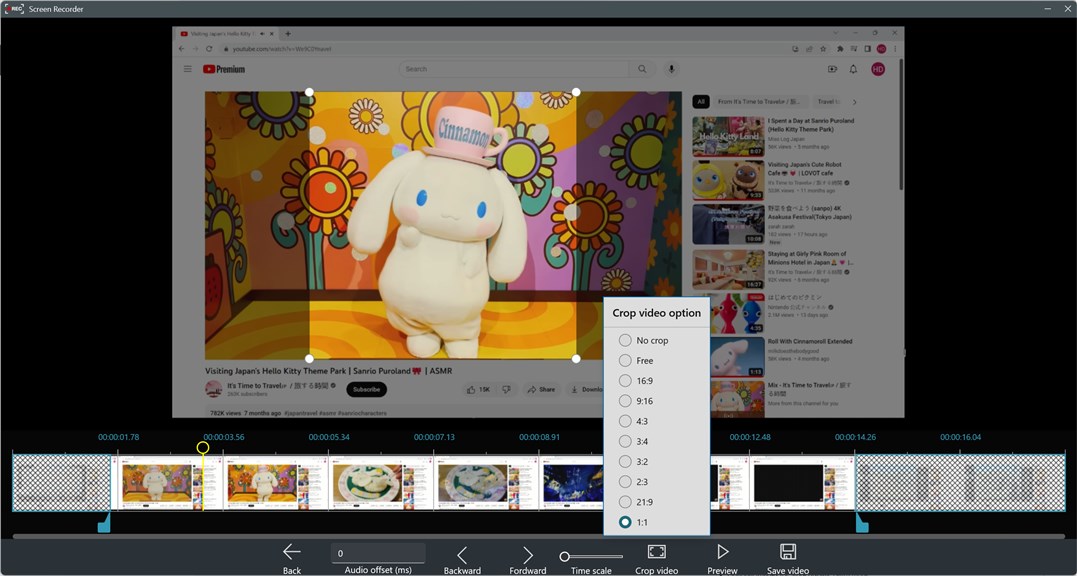
3. Lack of advanced editing tools: Record Screen - FREE software for PC may lack advanced editing features, making it difficult to enhance or customize recordings. Users seeking more control over their videos may find the software lacking in this aspect.


