
KYOCERA Print Center
for Windows- Name KYOCERA Print Center
- Category Utilities & tools
- Downloads 104,000,000+
- Developer KYOCERA Document Solutions Inc
- Available on PC, Mobile, Xbox console, Surface Hub, HoloLens
- OS Windows 10 version 19041.0 or higher
- Architecture x86, x64, Arm64
Pros
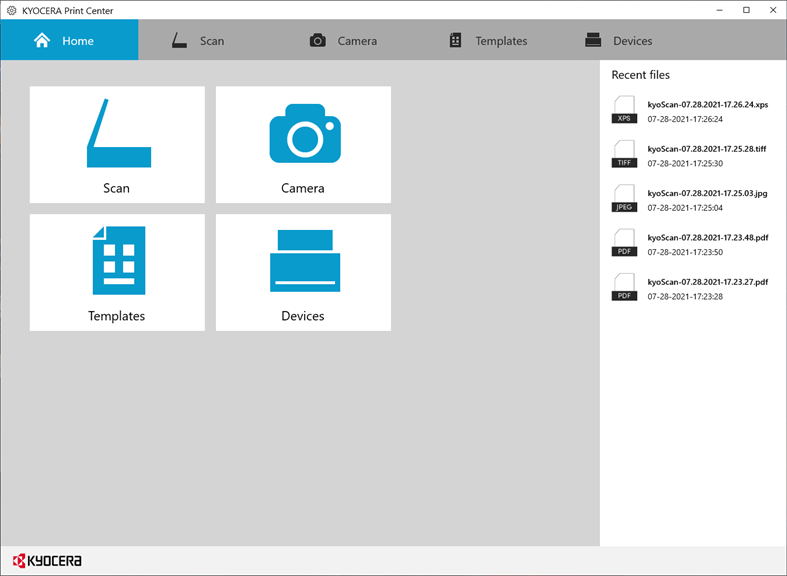
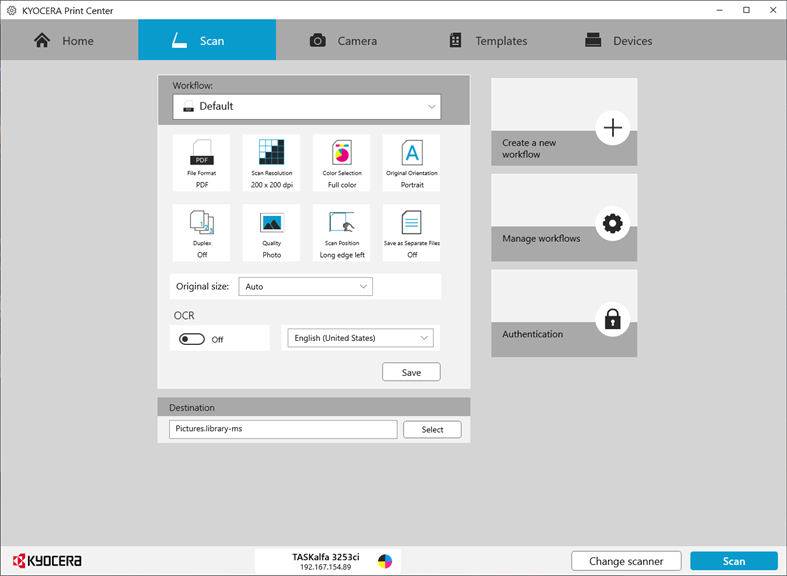
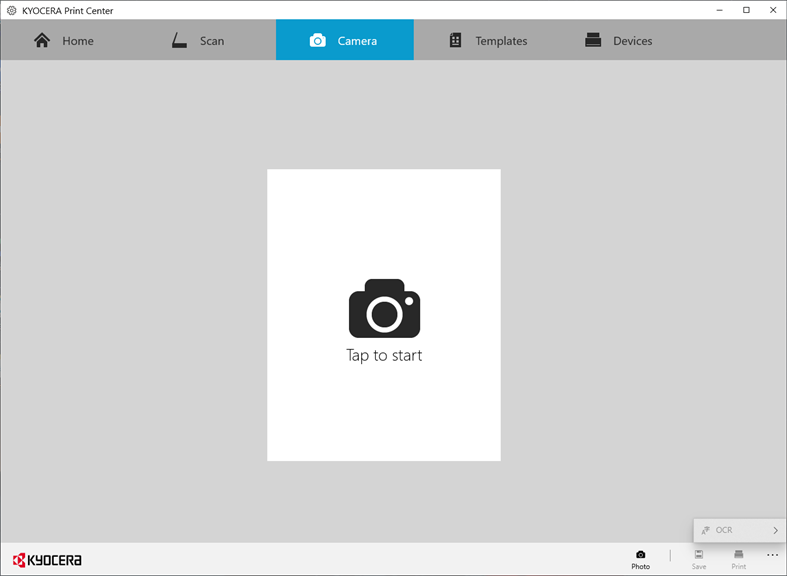
1. Convenient Scanning and Printing: KYOCERA Print Center enables efficient scanning and printing directly from your PC, streamlining document management and reducing the time spent on these tasks.
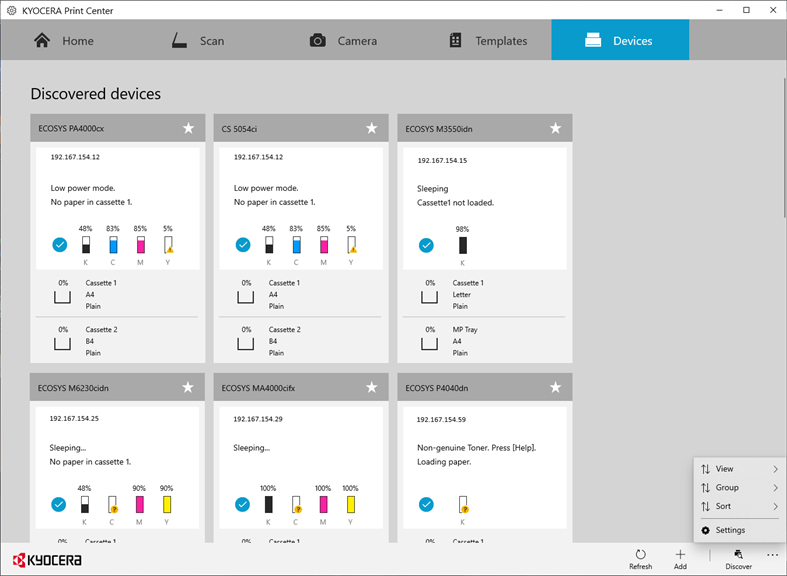
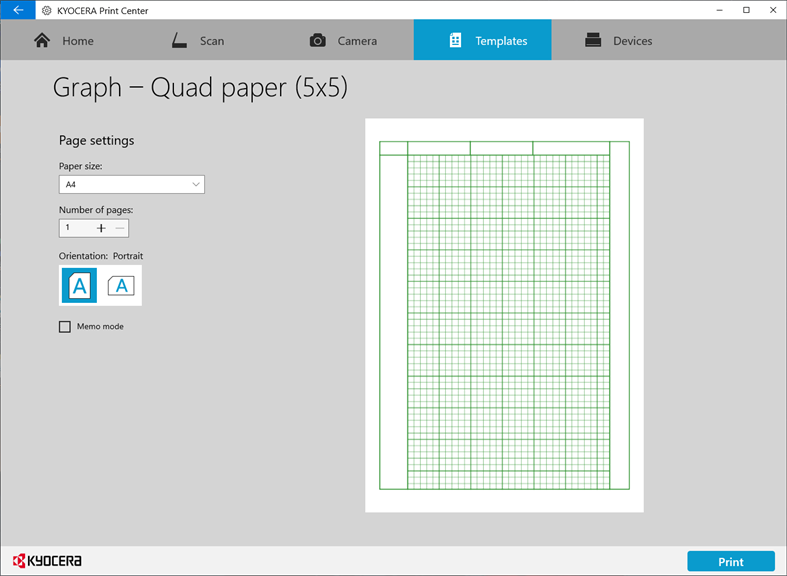
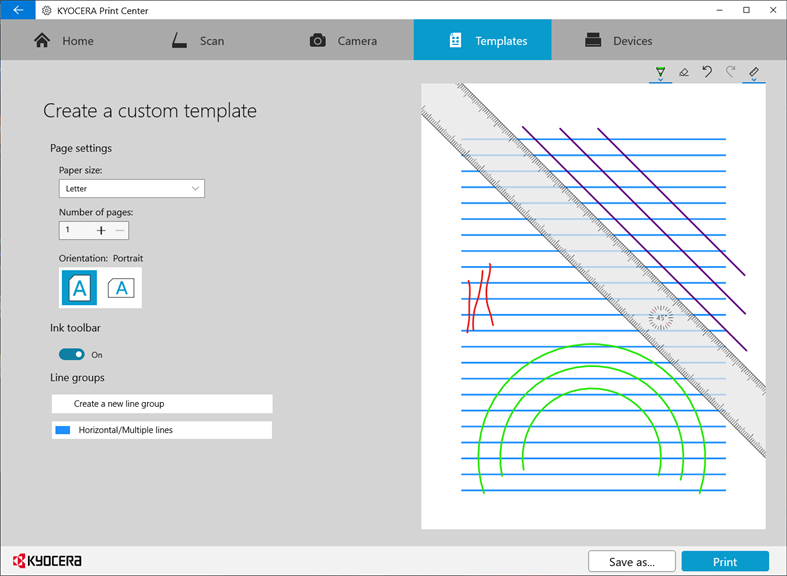
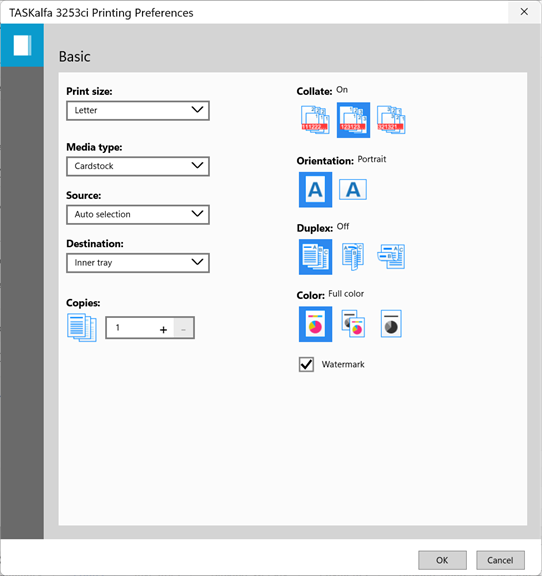
2. Easy Device Management: The software provides a user-friendly interface to access and manage multiple print functions and device settings, allowing for simple customization and maintenance.
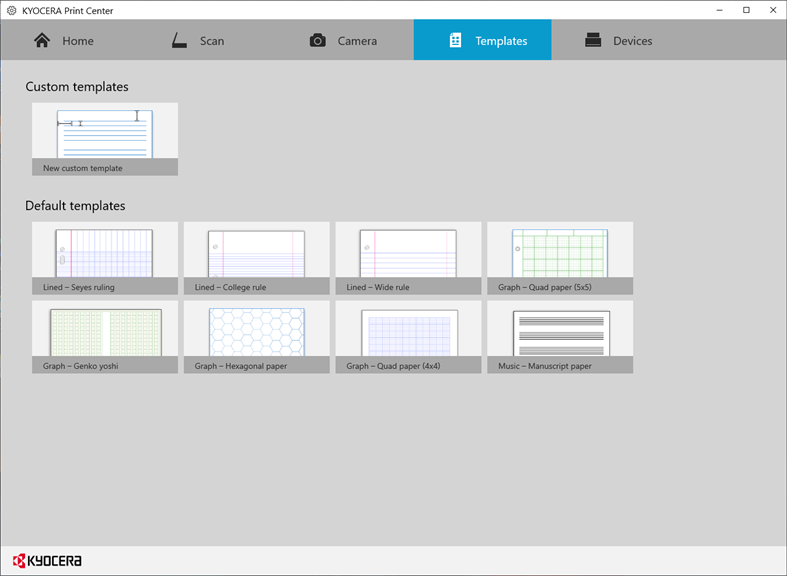
3. Enhanced Document Handling: It supports various file formats and offers features like page arrangement and editing tools, enhancing the overall quality and presentation of printed and scanned documents.
Cons
1. Limited Compatibility: KYOCERA Print Center primarily supports Kyocera devices. Users with non-Kyocera printers or multifunctional products cannot utilize this software, reducing its usefulness in diverse printing environments.
2. Basic Feature Set: The software offers standard printing functionalities but may lack advanced features required by professional users, such as specialized color management or complex print job handling options.
3. Occasional Performance Issues: Some users report sluggish performance and occasional crashes, particularly when managing multiple print jobs or scanning tasks, which can impede workflow efficiency and productivity.


