
Planner 5D - Home & Interior Design
for Windows- Name Planner 5D - Home & Interior Design
- Category Productivity
- Downloads 74,000,000+
- Developer UAB Planner5D
- Available on PC
- OS Windows 10 version 18362.0 or higher
- Architecture x64
- DirectX Version 10
- Memory 1 GB
- Video Memory 1 GB
- Touch Not specified
- Keyboard Not specified
- Mouse Not specified
- Notes Not specified
Pros
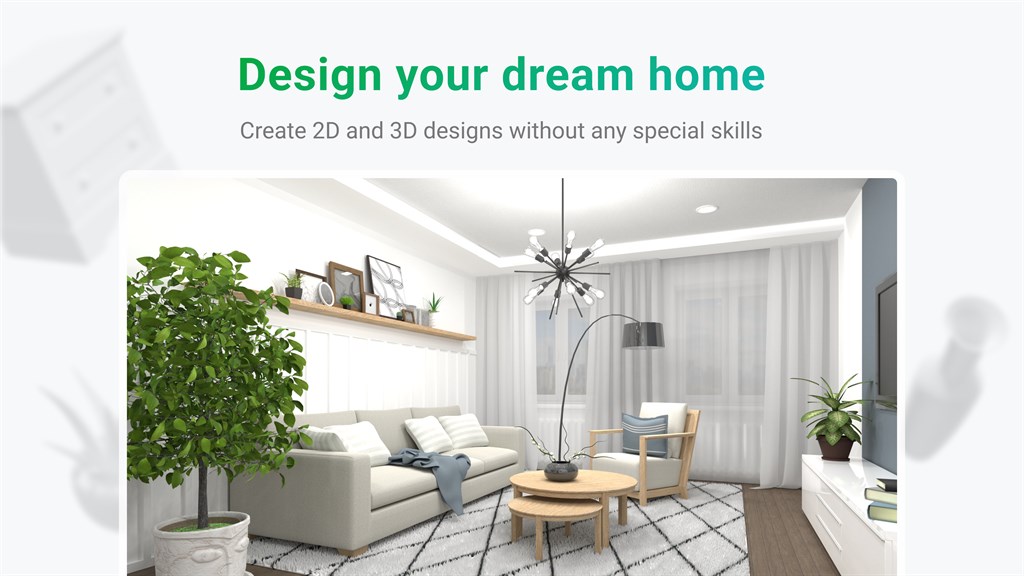
1. User-Friendly Interface: Planner 5D provides an intuitive and easy-to-navigate interface, making it accessible for users of all skill levels to create detailed home and interior designs without extensive training.
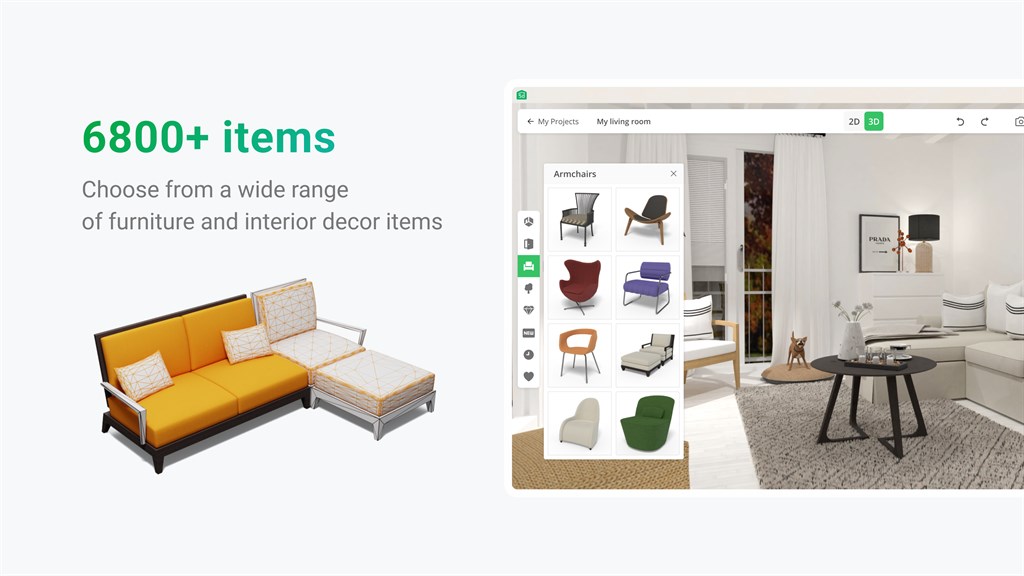
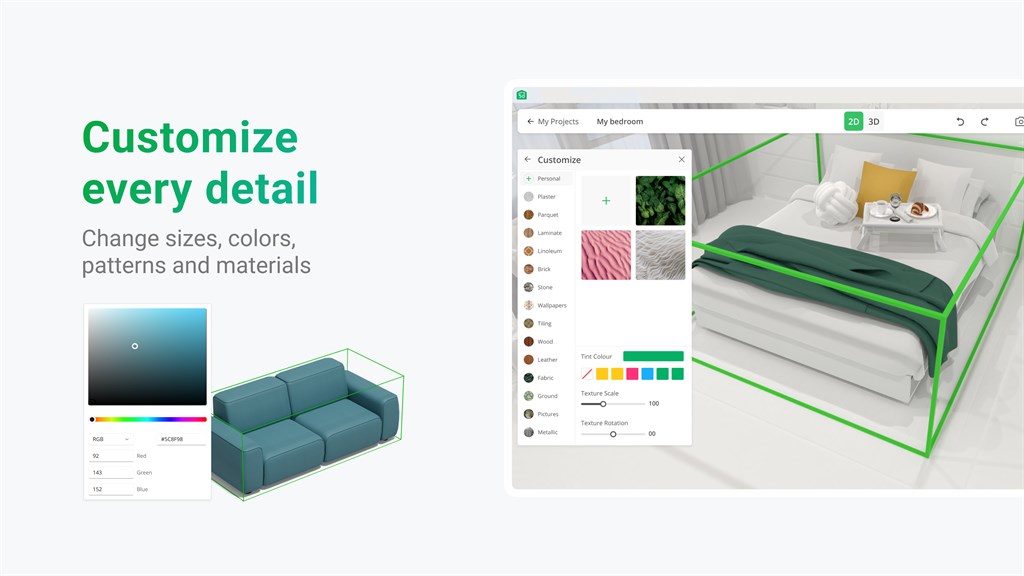
2. Extensive Library: The software includes a vast library of over 5000 items, allowing users to explore a wide range of furniture, fixtures, and finishes to accurately envision and decorate their space.
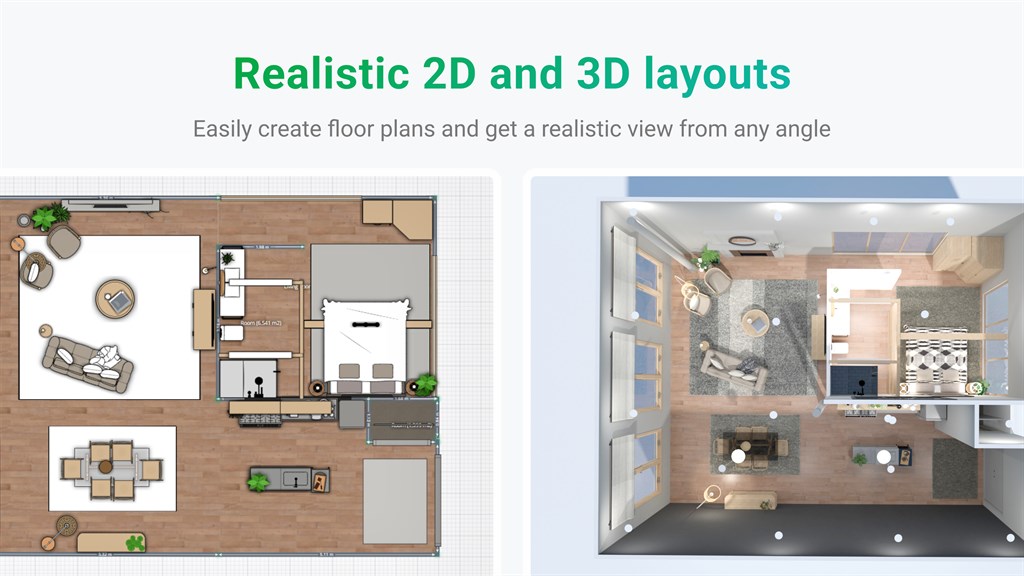
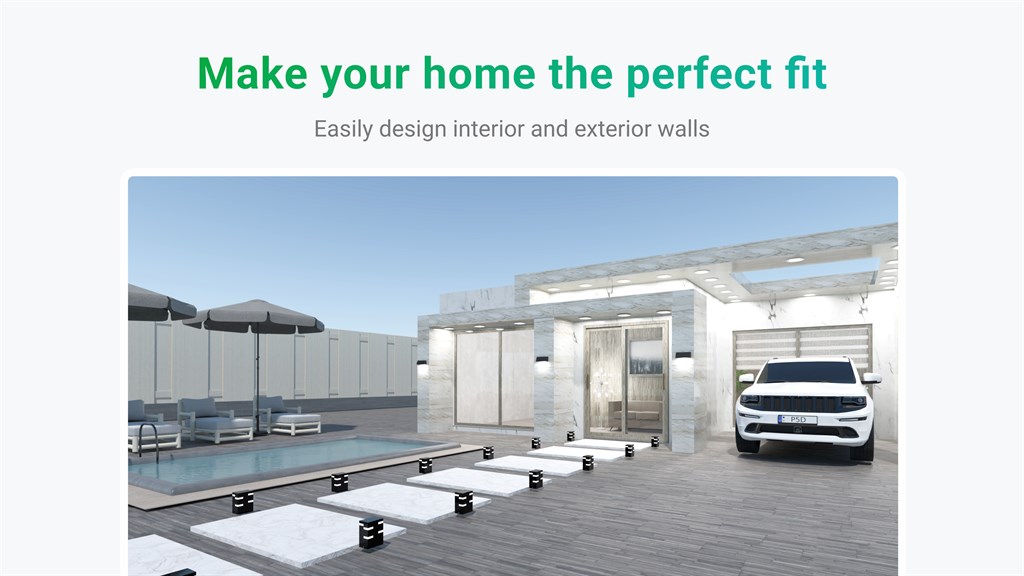
3. 2D/3D Modes: Users can design in 2D for layout planning and switch to 3D for a realistic view, facilitating a comprehensive understanding of how designs will look and feel in a real-world context.
Cons
1. Limited Design Options: Planner 5D offers a finite selection of furniture and materials, which may restrict users looking for a vast array of design elements to fully realize their unique interior decorating visions.
2. Performance Issues: On some PCs, particularly those with less powerful hardware, Planner 5D may run slowly or lag, leading to a frustrating user experience, especially when working on complex projects.
3. Premium Features Costs: While Planner 5D has a free version, many of its more advanced features and assets require a paid subscription, which can be a barrier for users not willing to invest money for additional functionalities.


