
ScreenXpert
for Windows- Name ScreenXpert
- Category Utilities & tools
- Downloads 37,000,000+
- Developer ASUSTeK COMPUTER INC.
- Available on PC
- OS Windows 10 version 14393.0 or higher
- Architecture x64
- Touch Not specified
- Notes This app only supports on ASUS notebooks and PCs.
Pros
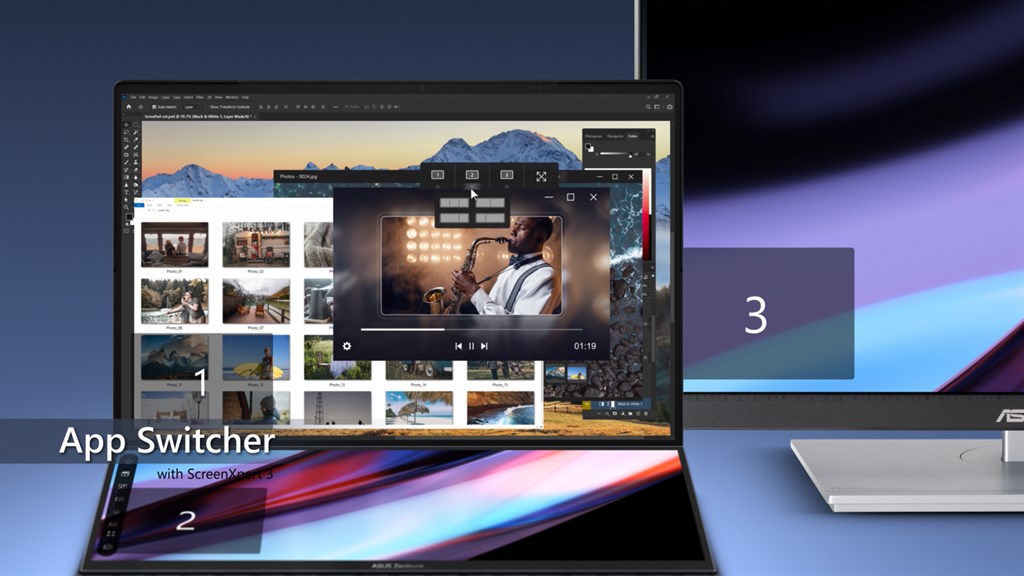
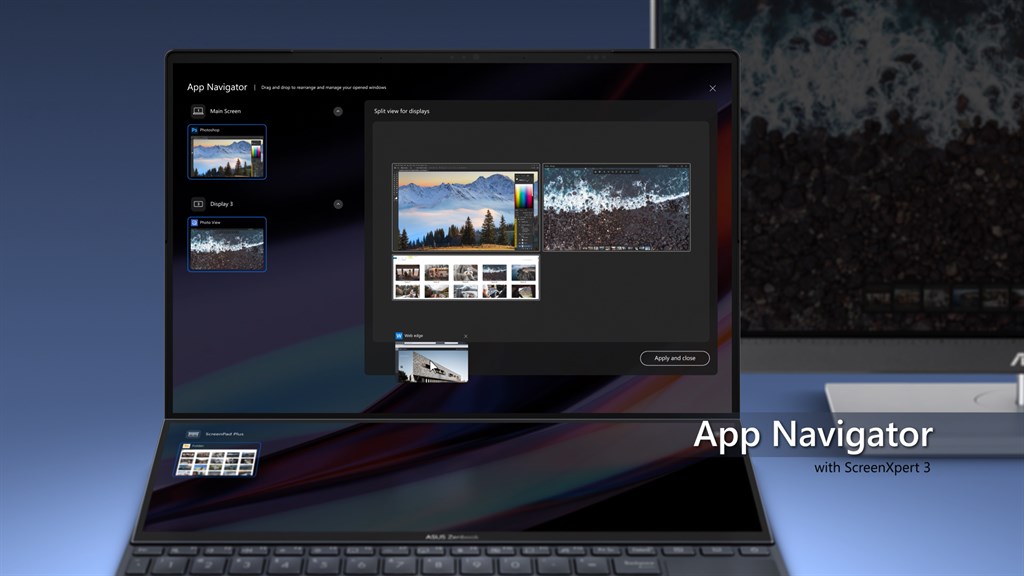
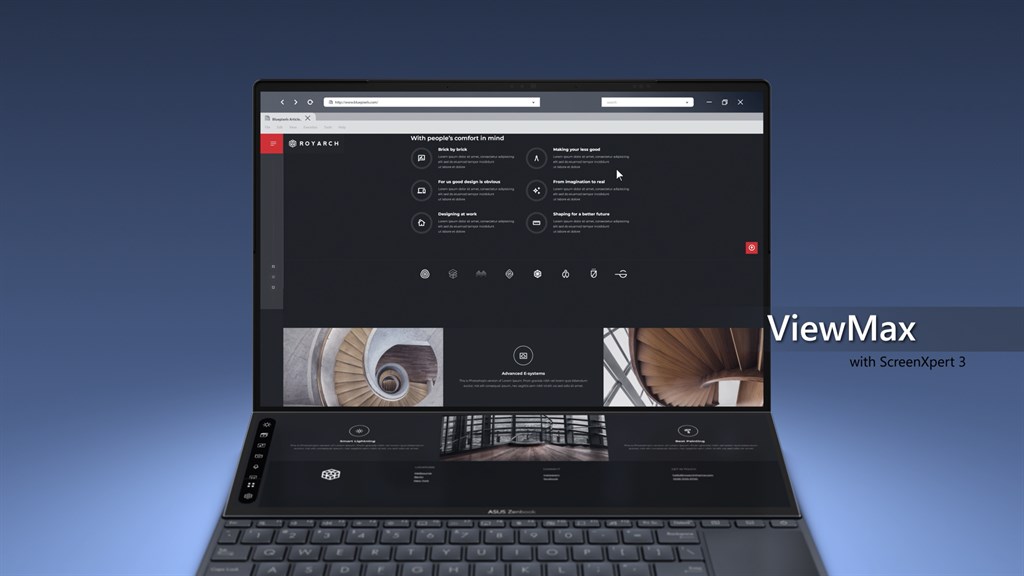
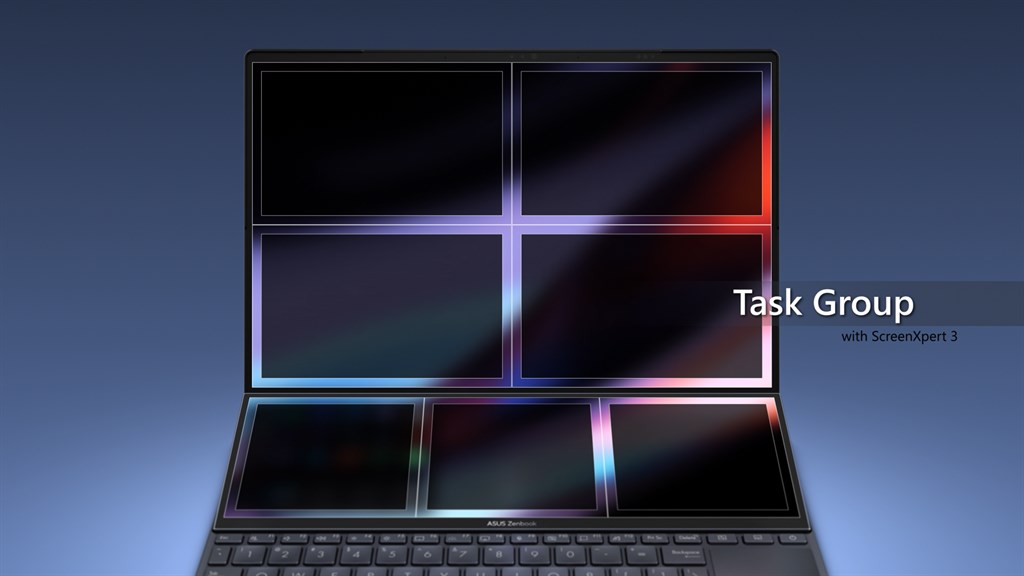
1. Enhanced Multitasking: ScreenXpert offers users the ability to manage multiple applications easily across connected screens, improving workflow and productivity.
2. Intuitive Interface: With its user-friendly drag-and-drop interface, ScreenXpert simplifies the organization of windows and apps, allowing for a more efficient workspace setup.
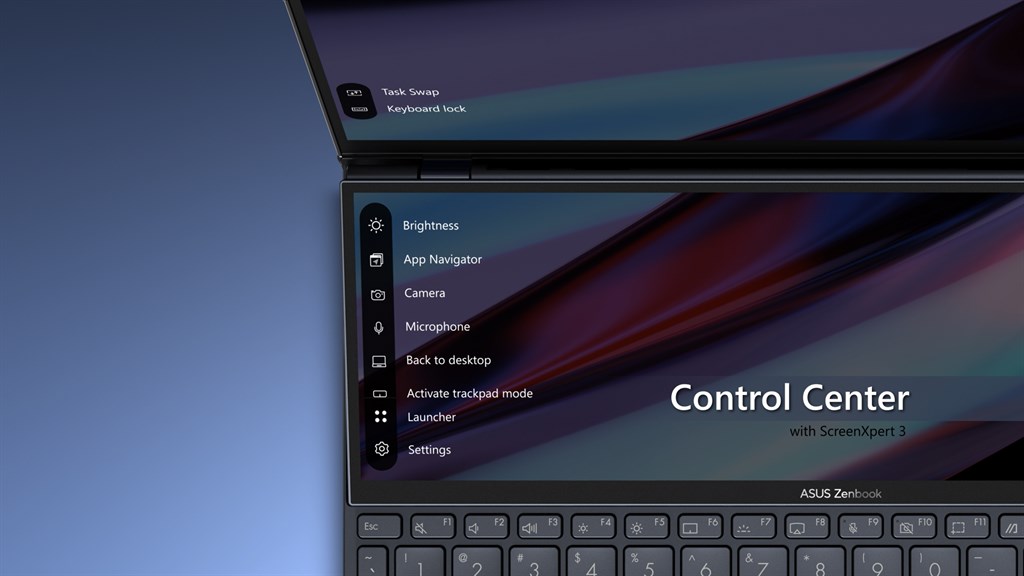
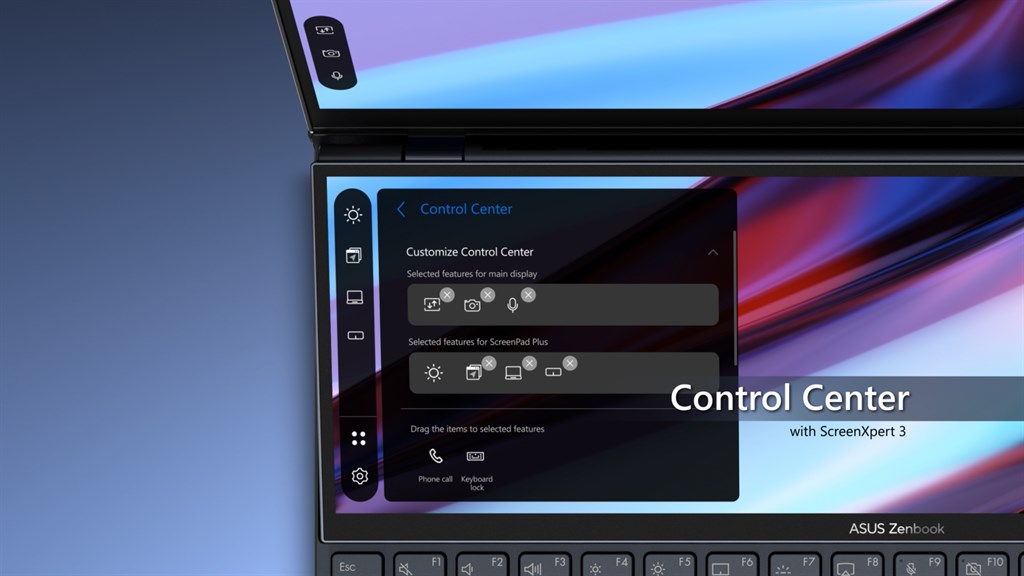
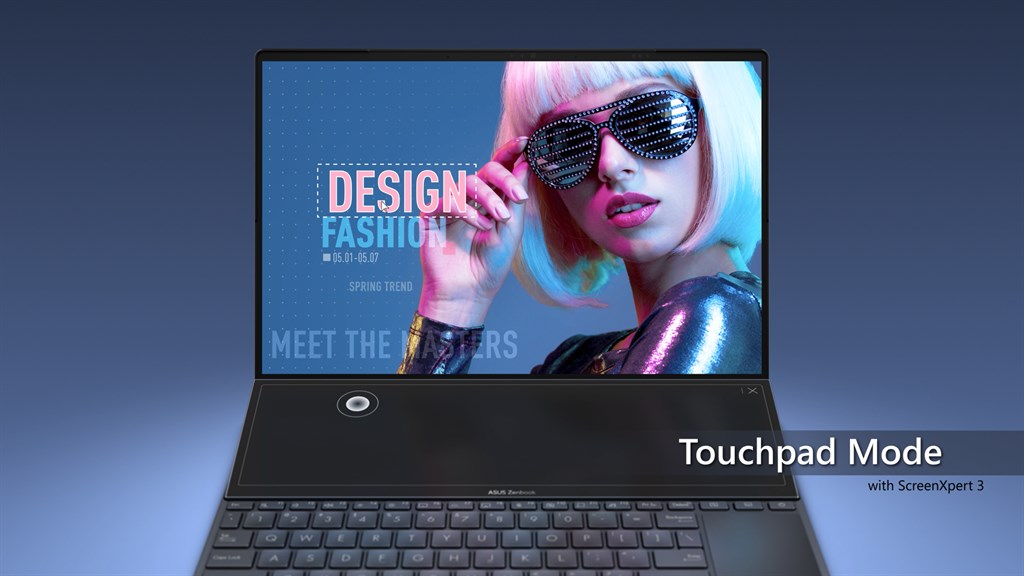
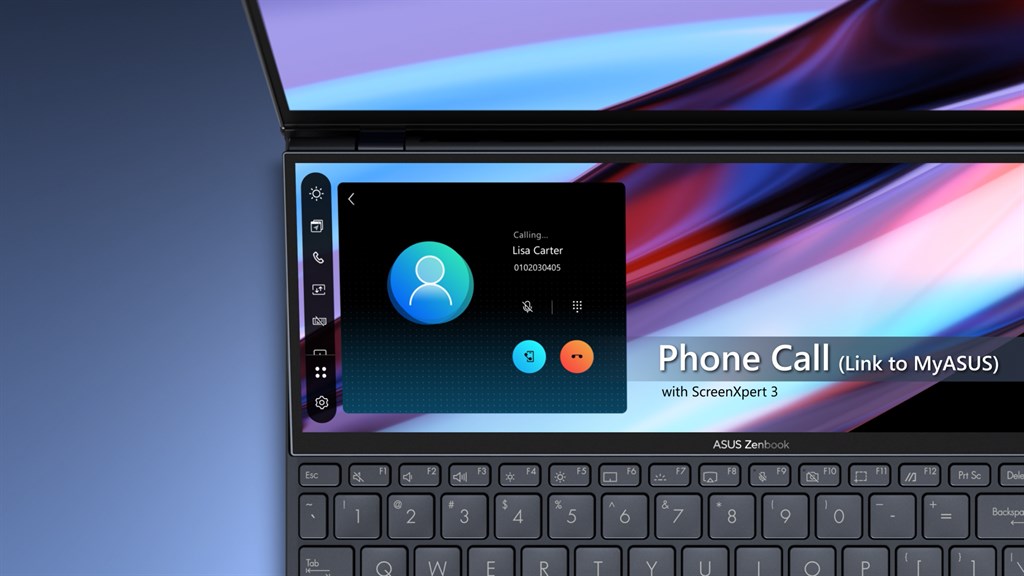
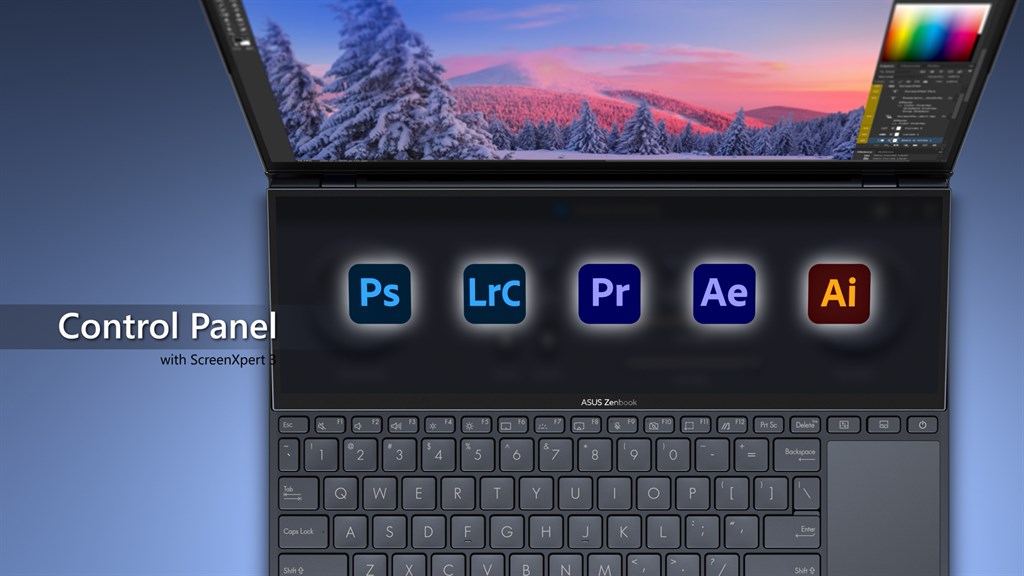
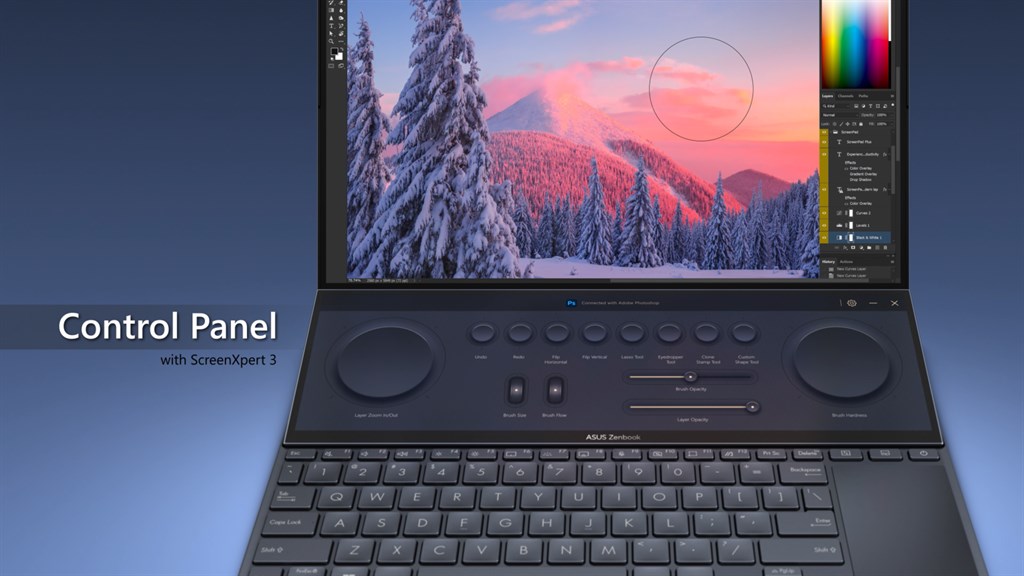
3. Customized ScreenPad Plus: Exclusive to ASUS laptops with a secondary display, ScreenXpert enables customization of the ScreenPad Plus, enhancing multitasking capabilities and creating new user experiences tailored to individual needs and preferences.
Cons
1. Compatibility Issues: ScreenXpert software may not be compatible with all PC hardware, leading to potential issues or inability to use the software on non-supported devices.
2. Resource Intensive: The software can be demanding on system resources, potentially causing slowdowns or reduced performance on lower-spec PCs.
3. Limited Functionality: ScreenXpert may offer fewer features compared to other multi-monitor management tools, restricting the level of customization and control for advanced users.


