background Layer 1 background Layer 1 background Layer 1 background Layer 1 background Layer 1 background Layer 1 background Layer 1 background Layer 1

QuickLook

for Windows
4.4
  • Name QuickLook
  • Category Productivity
  • Downloads 62,000,000+
  • Developer Paddy Xu
  • Available on PC
  • OS Windows 10 version 14316.0 or higher
  • Architecture neutral
  • Keyboard Integrated Keyboard
  • Mouse Integrated Mouse
QuickLook_1
QuickLook_2
QuickLook_3
QuickLook_4
QuickLook_5
QuickLook_6
QuickLook_7

Pros

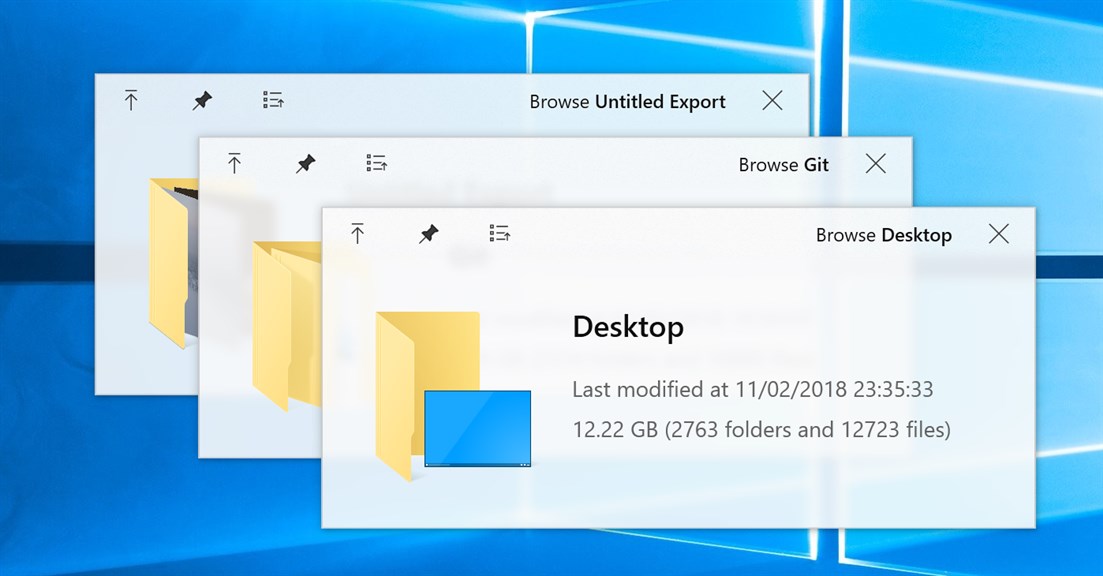
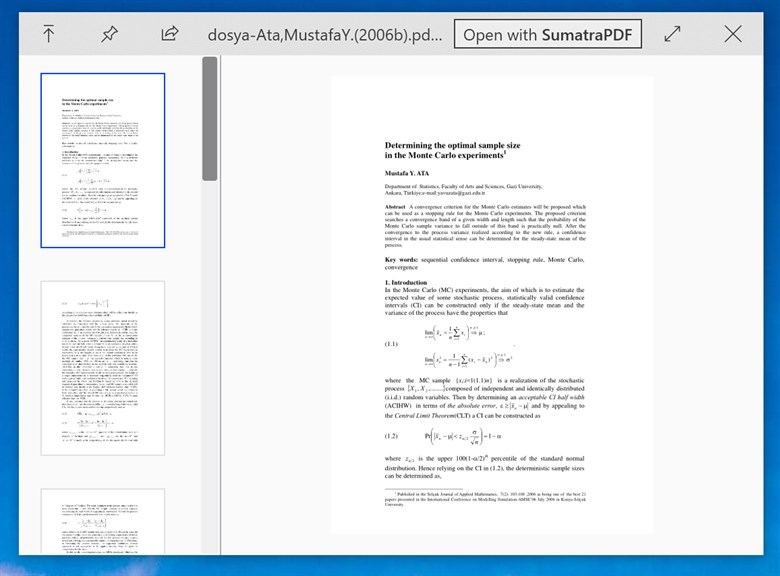
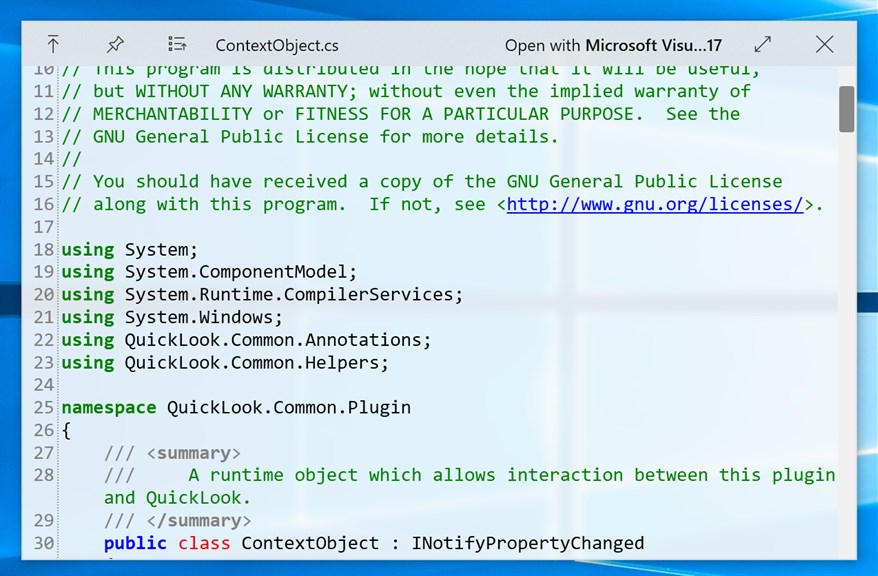
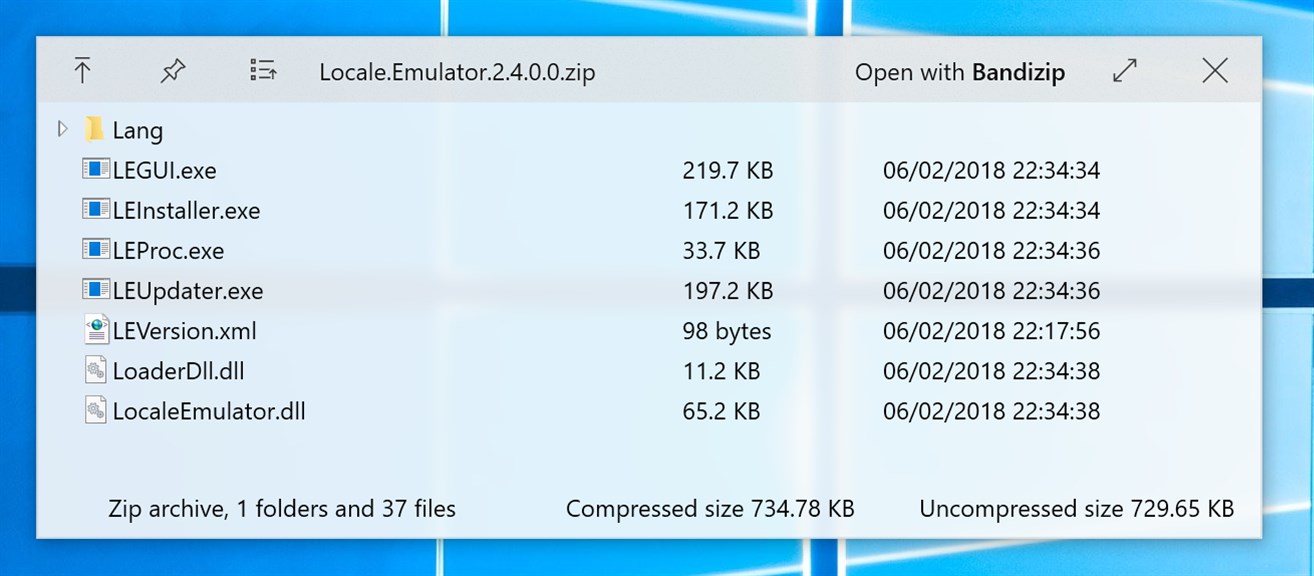
1. Quick File Preview: QuickLook enables users to preview the contents of files quickly without opening them, enhancing productivity by reducing the time spent opening different applications for different file types.

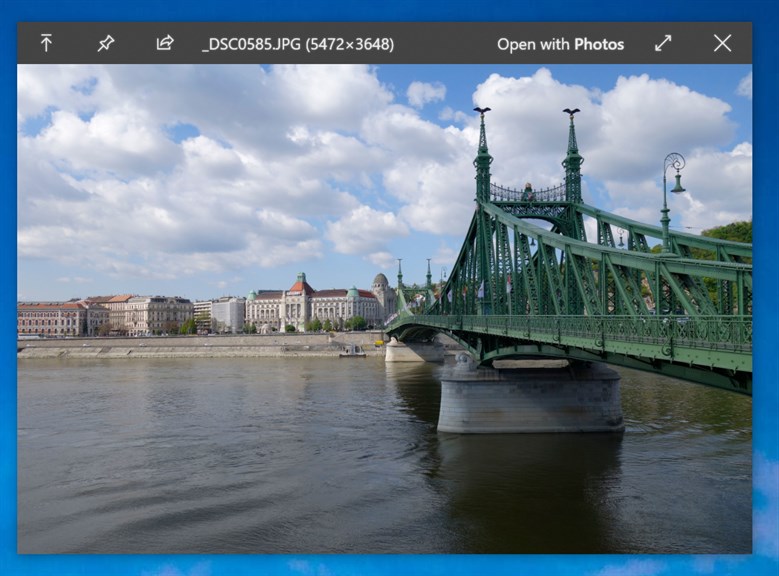
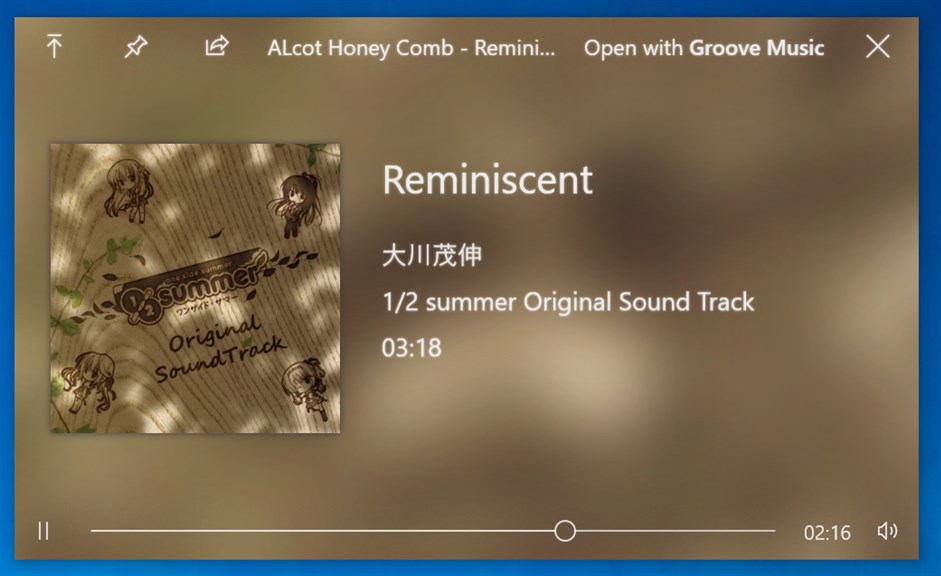
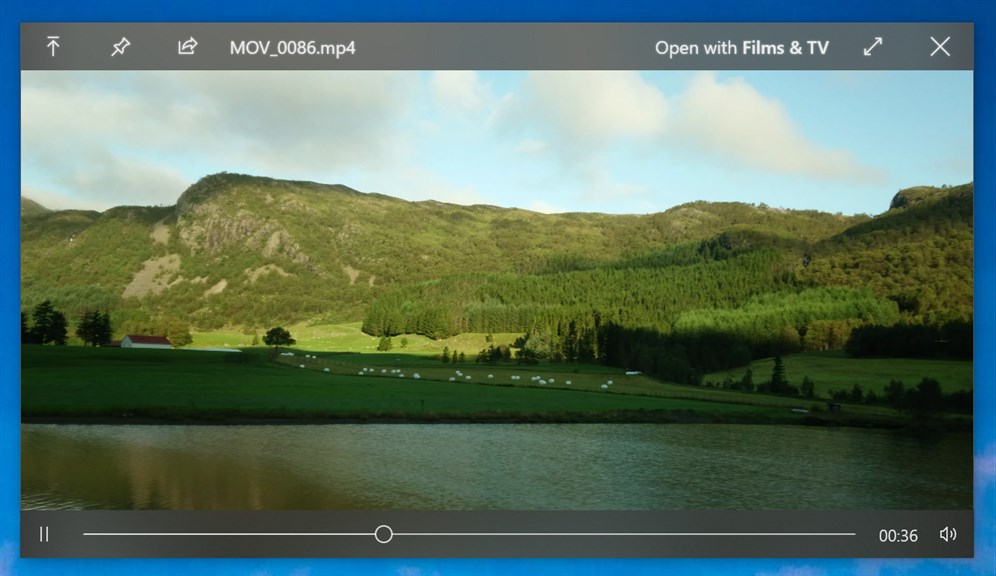
2. Wide Format Support: The software supports a broad range of file formats, including documents, images, and videos, offering versatility for previewing different file types.

3. Seamless Integration: QuickLook integrates with the Windows File Explorer, allowing users to trigger previews with a simple spacebar press, providing a smooth and intuitive user experience akin to Quick Look on macOS.

Cons

1. Limited File Format Support: QuickLook may not support previewing all file types, which can be inconvenient for users who work with diverse file formats not included in the application's compatibility list.

2. Performance Issues: QuickLook can sometimes be slow or unresponsive, particularly when dealing with large files or when the PC is running multiple applications, leading to a less efficient user experience.

3. No Advanced Features: The software offers basic quick preview functionality but lacks advanced features such as file editing or more detailed file properties that are available in other file management tools.

Free Download for Windows

You may also like

Apache OpenOffice

Apache OpenOffice

Productivity
4.3
Download
Mozilla Firefox

Mozilla Firefox

Productivity
4.8
Download
Microsoft Teams

Microsoft Teams

Productivity
4.9
Download
Brave Browser

Brave Browser

Productivity
4.4
Download
Mail

Mail

Productivity
4.3
Download
Zoom - One Platform to Connect

Zoom - One Platform to Connect

Productivity
4.7
Download

Top Downloads for Windows

Boom 3D: Audio Enhancer, Equalizer & Bass

Boom 3D: Audio Enhancer, Equalizer & Bass

for Windows
4.7
Samsung Flow

Samsung Flow

for Windows
4.1
My Photos

My Photos

for Windows
4.8
Bing Wallpaper

Bing Wallpaper

for Windows
4.7
CCleaner Browser

CCleaner Browser

for Windows
4.4
MConverter: File Converter & PDF Compressor

MConverter: File Converter & PDF Compressor

for Windows
4.5
Padlet

Padlet

for Windows
4.2
One Messenger - All your messages in one place!

One Messenger - All your messages in one place!

for Windows
4.7
Screenshot - Screen capture screenshots snipping tool

Screenshot - Screen capture screenshots snipping tool

for Windows
4.2
BreeZip: RAR & ZIP Extractor

BreeZip: RAR & ZIP Extractor

for Windows
4.1
Documents Scanner App

Documents Scanner App

for Windows
4.9
Sketch Board

Sketch Board

for Windows
4.4