background Layer 1 background Layer 1 background Layer 1 background Layer 1 background Layer 1 background Layer 1 background Layer 1 background Layer 1

Padlet

for Windows
4.2
  • Name Padlet
  • Category Productivity
  • Downloads 108,000,000+
  • Developer Wallwisher Inc
  • Available on PC
  • OS Windows 10 version 17763.0 or higher
  • Keyboard Integrated Keyboard
  • Mouse Integrated Mouse
  • Touch Not specified
  • Camera Not specified
Padlet_1
Padlet_2
Padlet_3
Padlet_4
Padlet_5
Padlet_6
Padlet_7
Padlet_8
Padlet_9
Padlet_10

Pros

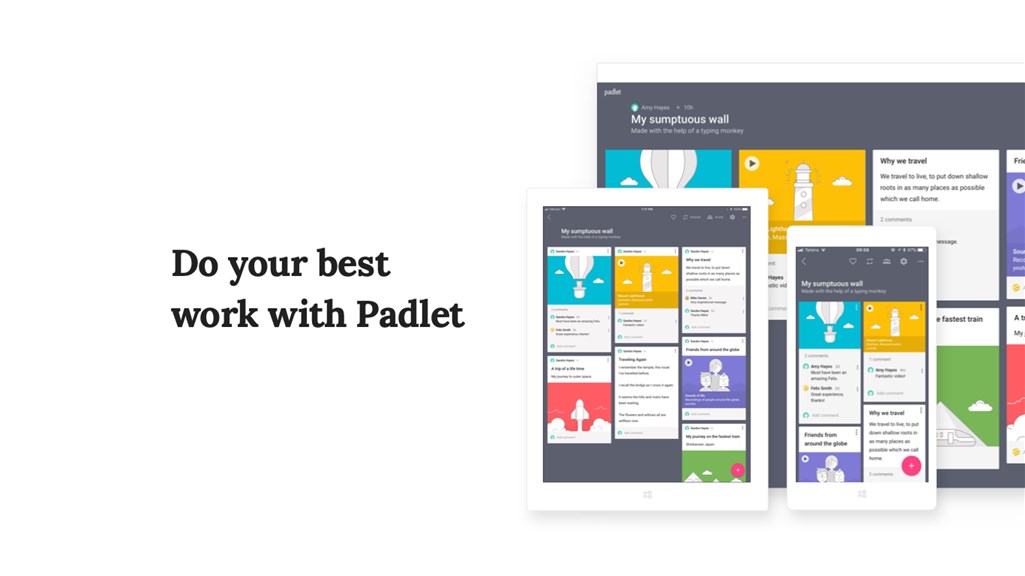
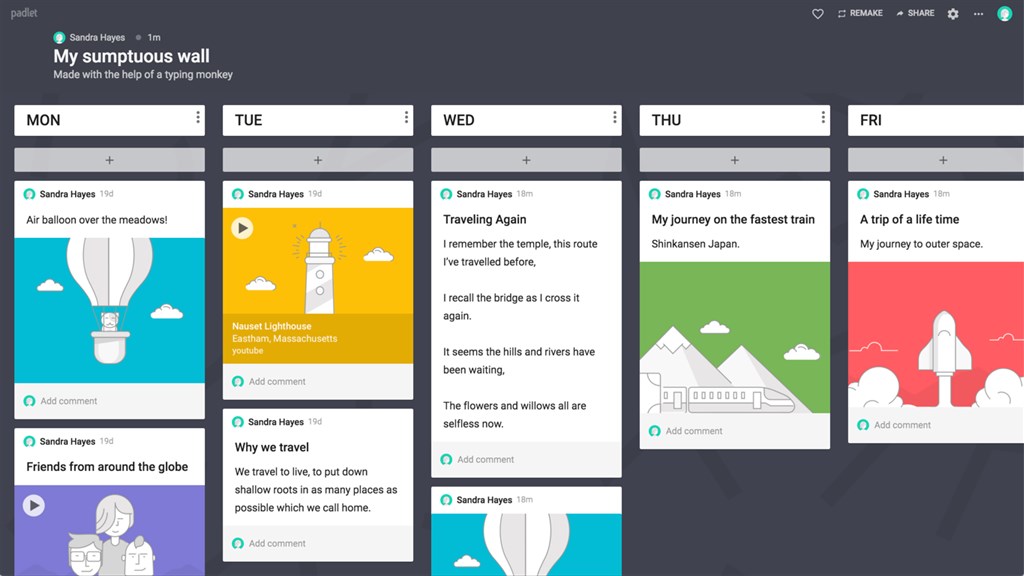
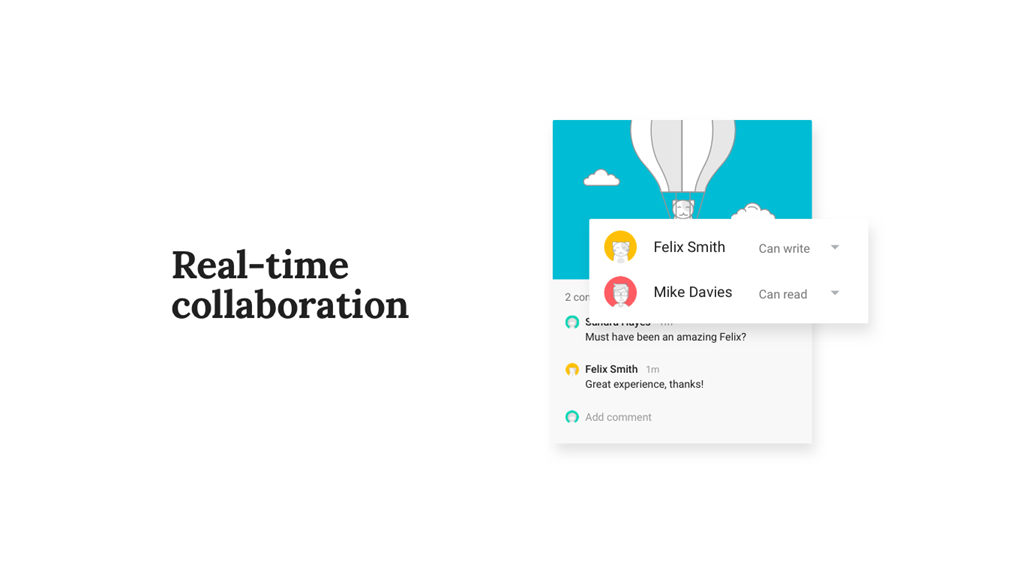
1. Easy Collaboration: Padlet allows multiple users to contribute to a single board in real-time, making it ideal for brainstorming sessions, project management, and interactive classroom activities.

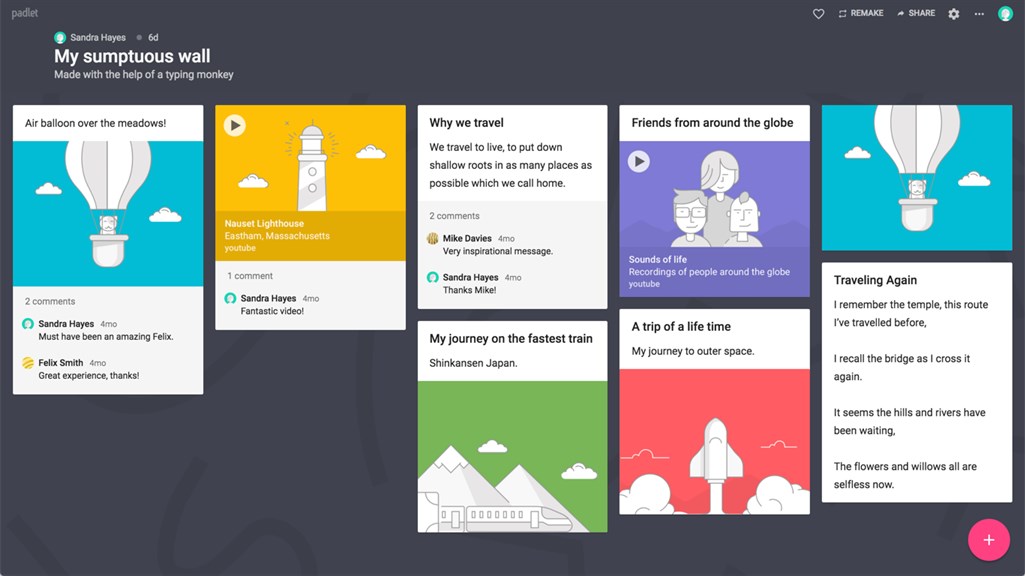
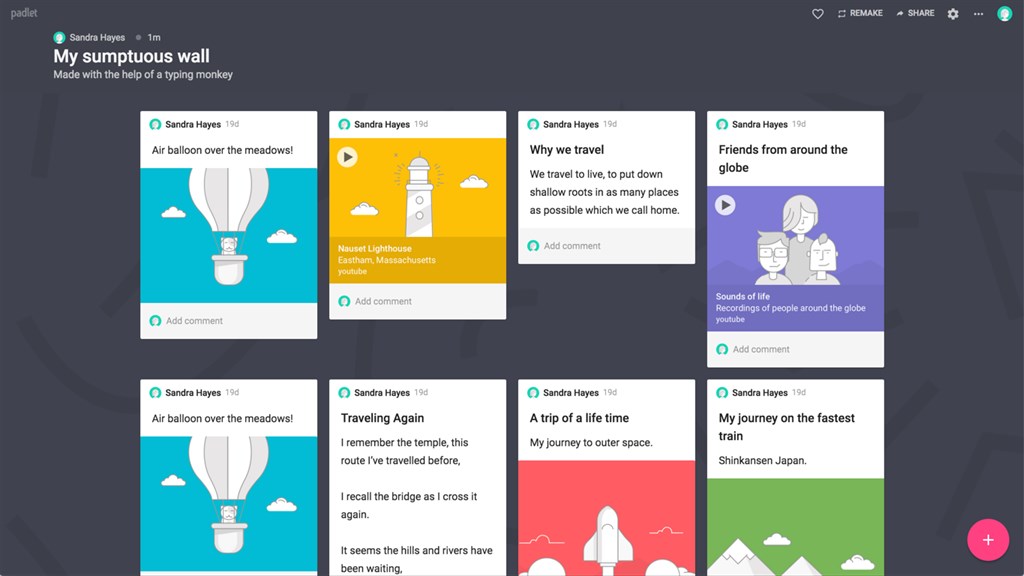
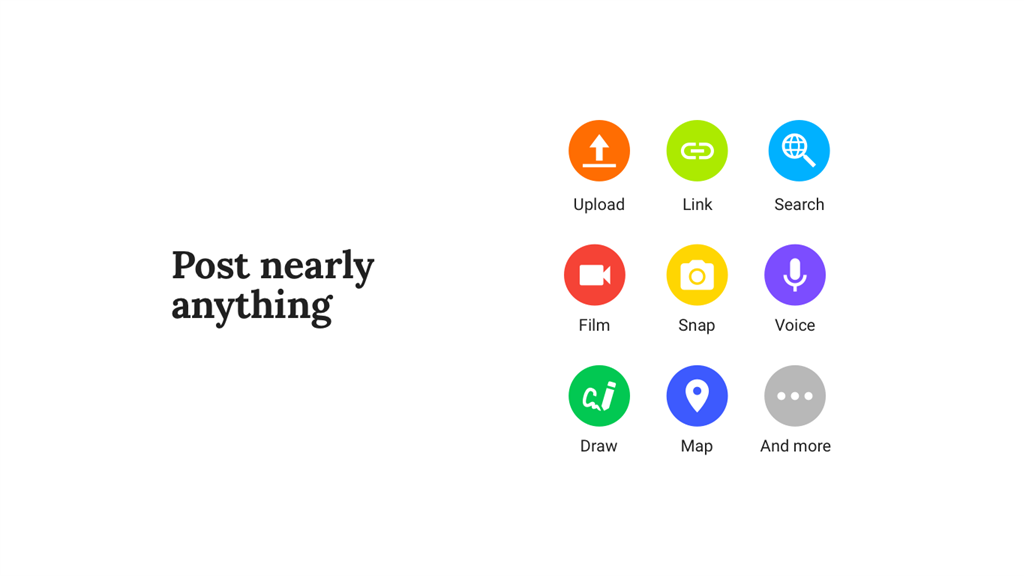
2. Versatile Content: Users can add various types of content including text, images, links, and videos, making it a flexible tool for creating multimedia-rich presentations and resources.

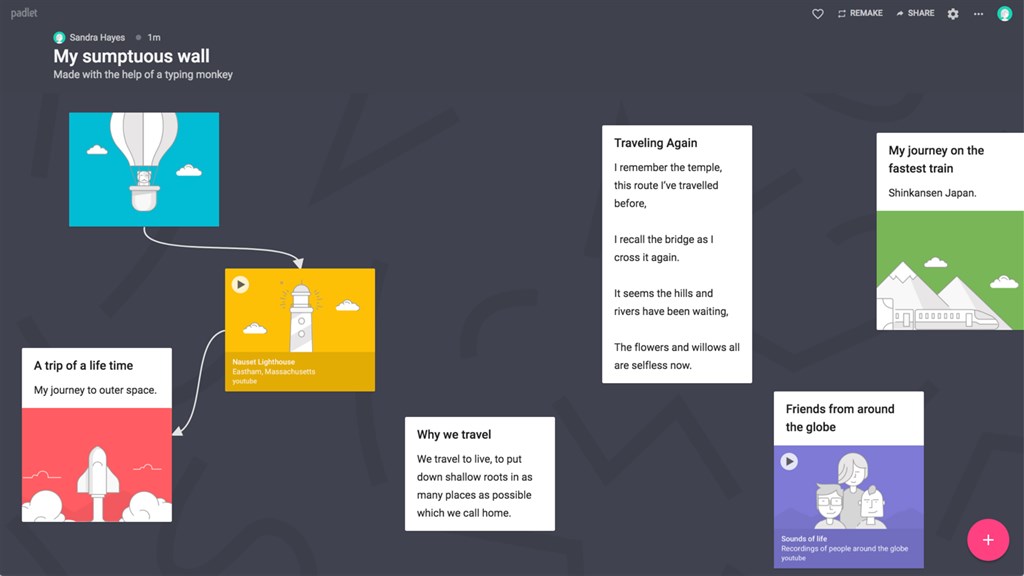
3. User-Friendly Interface: The intuitive, drag-and-drop interface of Padlet ensures a smooth user experience, reducing the learning curve and enabling users of all tech skill levels to participate effectively.

Cons

1. Padlet can be expensive for frequent or extensive use, as the free version limits the number of padlets and storage space.

2. It requires a stable internet connection to function effectively, which can be a limitation in areas with poor connectivity.

3. There are privacy concerns, as content shared on Padlet can be accessible to unintended audiences if not properly configured.

You may also like

Apache OpenOffice

Apache OpenOffice

Productivity
4.3
Download
Mozilla Firefox

Mozilla Firefox

Productivity
4.8
Download
Microsoft Teams

Microsoft Teams

Productivity
4.9
Download
Brave Browser

Brave Browser

Productivity
4.4
Download
Mail

Mail

Productivity
4.3
Download
Zoom - One Platform to Connect

Zoom - One Platform to Connect

Productivity
4.7
Download

Top Downloads for Windows

StayFree - Screen Time & App Limits

StayFree - Screen Time & App Limits

for Windows
4.1
Wise Memory Optimizer

Wise Memory Optimizer

for Windows
4.7
O-browser

O-browser

for Windows
4.9
Windows Scan

Windows Scan

for Windows
4.8
PhotoPad Photo Editor

PhotoPad Photo Editor

for Windows
4.5
Screen Recorder Studio for Windows 10

Screen Recorder Studio for Windows 10

for Windows
4.4
DuckDuckGo, Duck.ai (optional)

DuckDuckGo, Duck.ai (optional)

for Windows
4.3
Crosshairs

Crosshairs

for Windows
4.3
CrossOver: Crosshair Overlay

CrossOver: Crosshair Overlay

for Windows
4.8
mSecure - Password Manager and Digital Wallet

mSecure - Password Manager and Digital Wallet

for Windows
4.7
My Typing Skills — Keyboard Touch Type

My Typing Skills — Keyboard Touch Type

for Windows
4.6
Roblox

Roblox

for Windows
4.7