
Monitorian
for Windows- Name Monitorian
- Category Utilities & tools
- Downloads 39,000,000+
- Developer emoacht
- Available on PC
- OS Windows 10 version 17763.0 or higher
- Architecture neutral
- Touch Not specified
- Notes An internal monitor;An external monitor compatible with DDC/CI
Pros
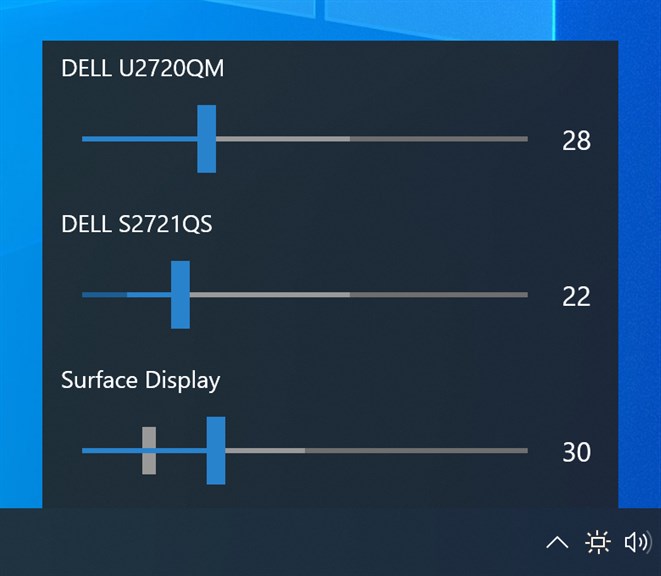
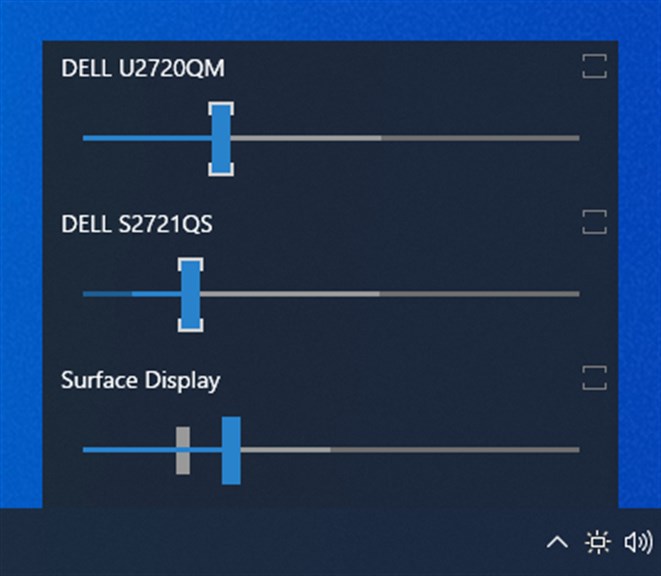
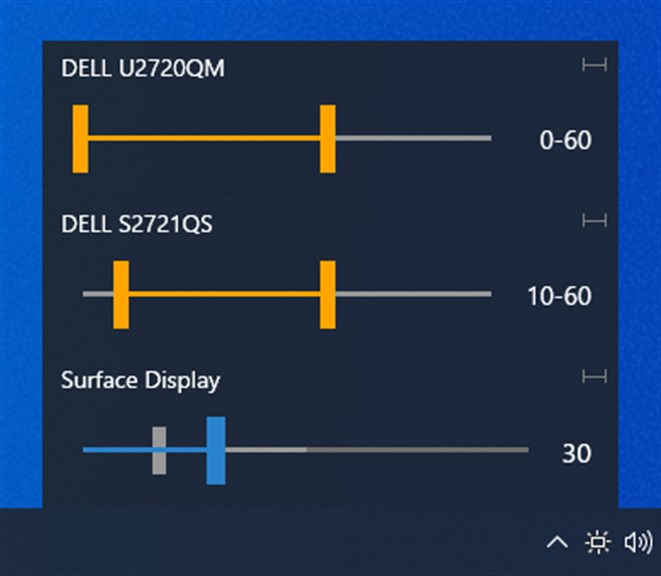
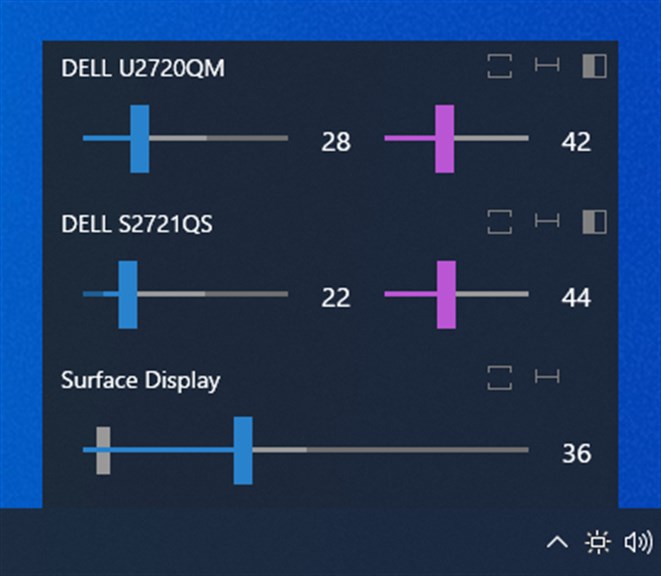
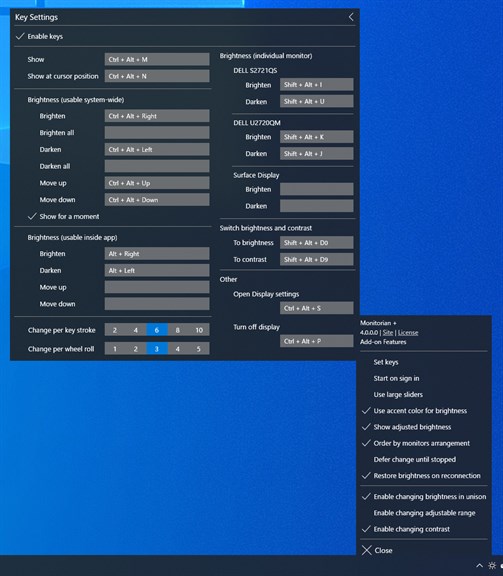
1. Brightness Control: Monitorian allows users to easily adjust the brightness of multiple monitors from a single interface, enhancing convenience and comfort.
2. Minimalist Design: The software features a simple, intuitive interface, making it user-friendly for adjusting brightness settings quickly without complex navigation.
3. Resource Efficiency: Monitorian is lightweight and minimally impacts system resources, ensuring smooth performance without slowing down your PC.
Cons
1. Limited Compatibility: Monitorian only supports monitors that are capable of brightness adjustments through a software interface, which excludes some external monitors and older models that do not support the DDC/CI protocol.
2. Basic Functionality: The software primarily focuses on brightness control, lacking advanced features found in competitor software, such as color calibration, unified controls for multi-monitor setups, or the ability to set brightness by time of day.
3. No Automation: Monitorian does not offer any automation or scheduling features to automatically adjust monitor brightness based on ambient light or predefined schedules, requiring manual adjustment each time.


