
Microsoft Accessory Center
for Windows- Name Microsoft Accessory Center
- Category Utilities & tools
- Downloads 82,000,000+
- Developer Microsoft Corporation
- Available on PC
- OS Windows 10 version 19041.0 or higher
- Keyboard Integrated Keyboard
- Mouse Integrated Mouse
Pros
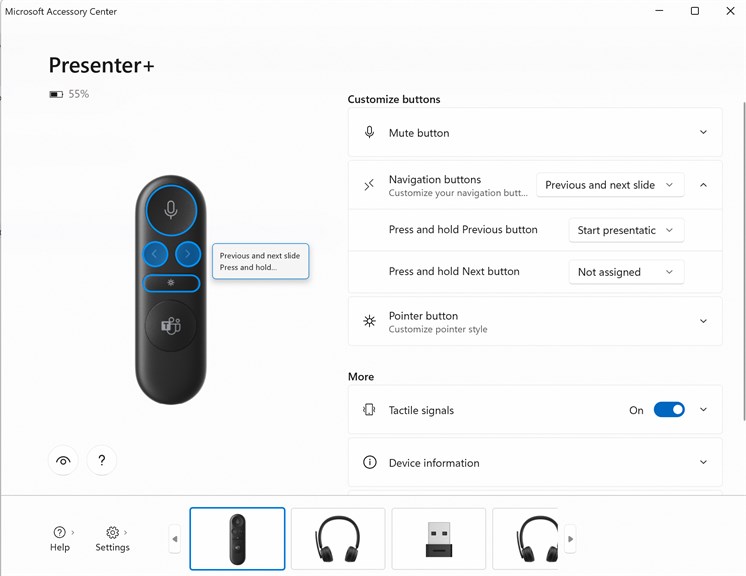
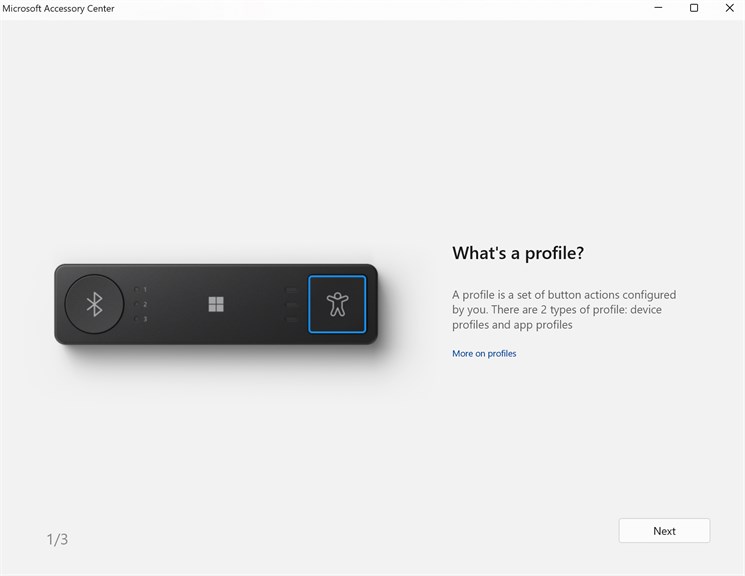
1. Customization: Microsoft Accessory Center allows you to tailor the settings of your Microsoft peripherals, such as mice, keyboards, and webcams, to your personal preferences and workflow, optimizing your user experience and productivity.
2. Firmware Updates: The software keeps your accessories up to date with the latest firmware, ensuring you benefit from the newest features and maintaining device security and performance.
3. Easy Troubleshooting: Accessory Center provides direct access to troubleshooting guides and support, making it easier to resolve issues with your Microsoft accessories quickly without seeking external help.
Cons
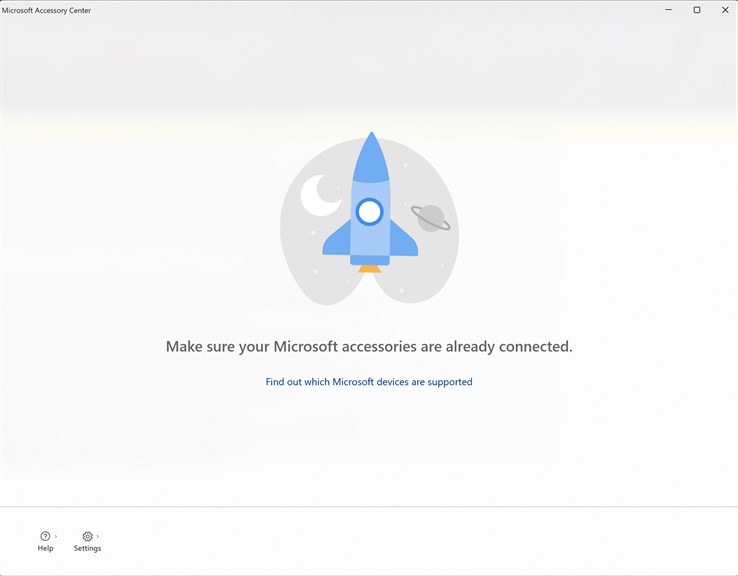
1. Limited Device Support: Microsoft Accessory Center is designed specifically for Microsoft peripherals, so users with non-Microsoft accessories cannot manage their devices using this software.
2. Basic Functionality: The software offers only fundamental customization features, lacking advanced options for power users who want to fine-tune their devices' performance or settings.
3. No Cross-Platform Compatibility: Microsoft Accessory Center is not available for macOS or Linux, restricting its use to Windows-operated PCs, which can be inconvenient for users who work across different operating systems.


