
LiquidText
for Windows- Name LiquidText
- Category Productivity
- Downloads 88,000,000+
- Developer LiquidText
- Available on PC, Surface Hub
- OS Windows 10 version 18362.0 or higher
- Architecture x64, Arm64
- Memory 4 GB
- Touch Not specified
- Keyboard Not specified
- Mouse Not specified
Pros
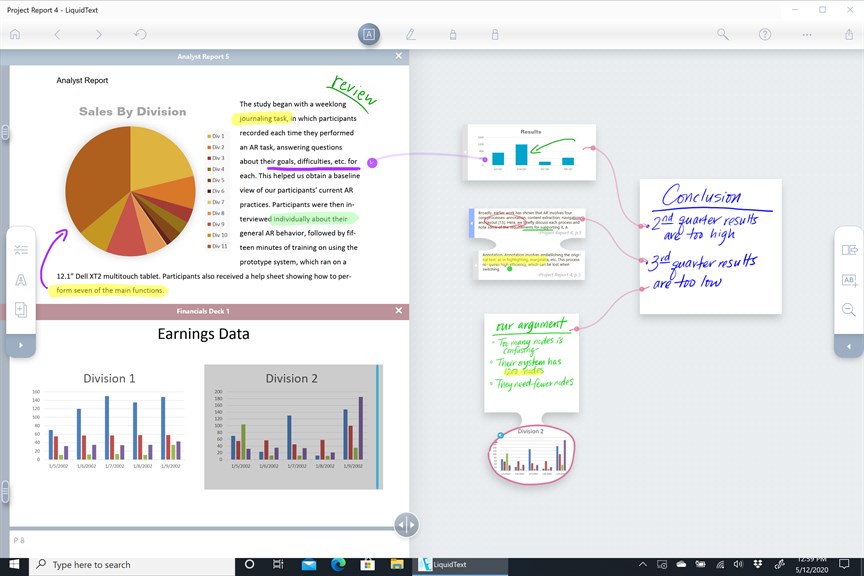
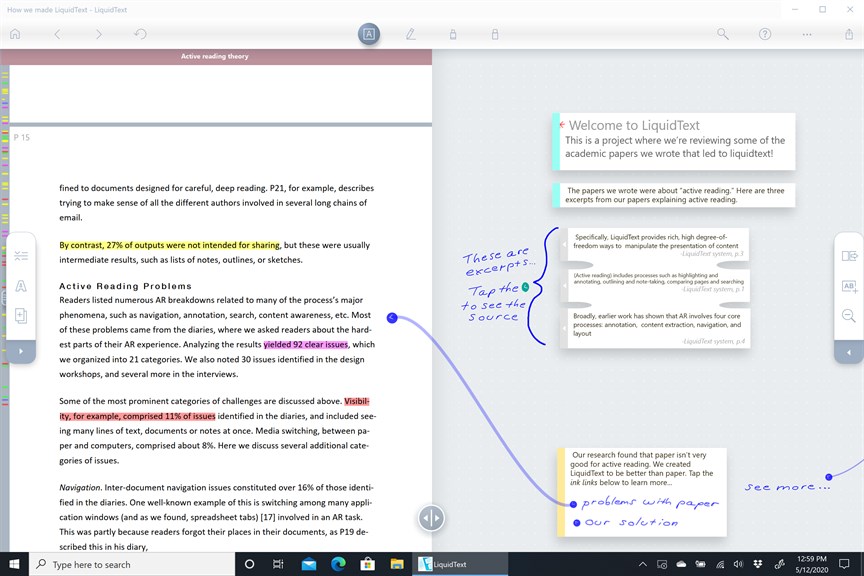
1. Multi-document Analysis: LiquidText allows users to import, read, and analyze multiple documents simultaneously, facilitating comparative study and comprehensive research within a single workspace.
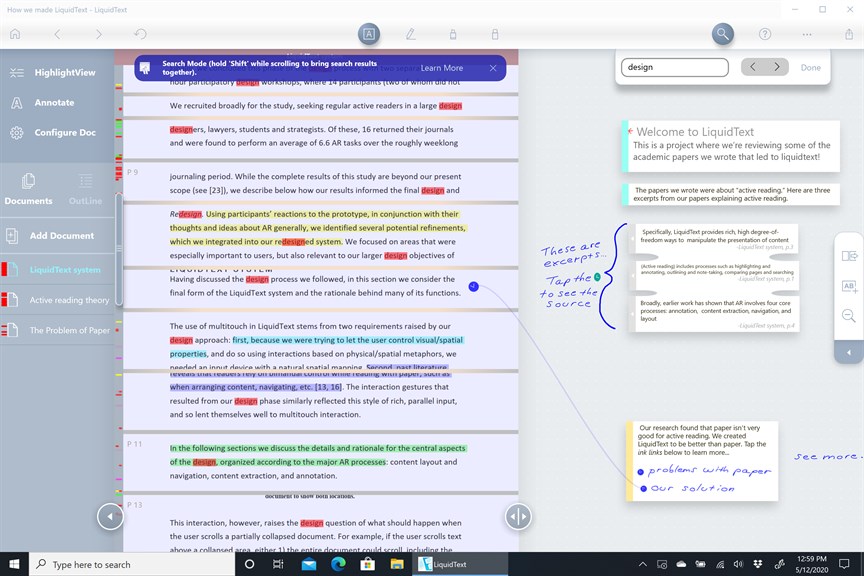
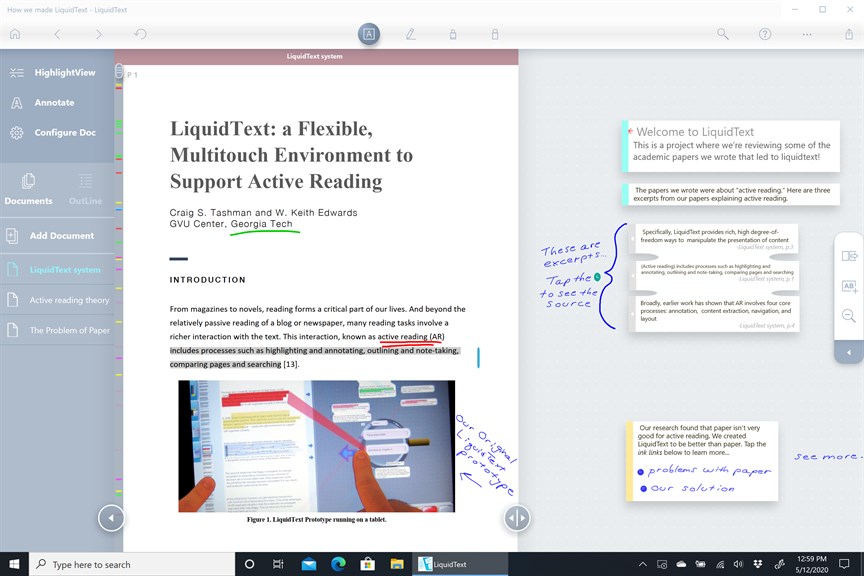
2. Interactive Document Manipulation: The software supports intuitive interactions like pinching, swiping, and dragging to manipulate text, enabling users to connect ideas and annotate documents dynamically.
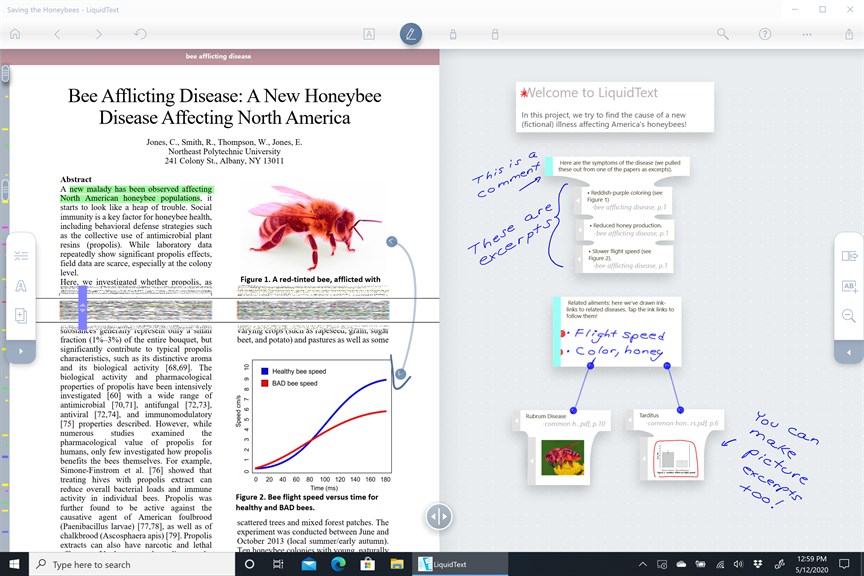
3. Visual Organization: Users can visualize their notes, highlights, and connections in a mind-mapping format, making it easier to synthesize information and develop a deeper understanding of the material.
Cons
1. Resource-Intensive: LiquidText can be demanding on system resources, potentially leading to slow performance or lag on PCs with limited hardware capabilities, especially when managing large, complex documents.
2. Learning Curve: The software presents a unique user interface and interaction model that may require a significant amount of time to master, which can be daunting for new users accustomed to traditional note-taking and document management applications.
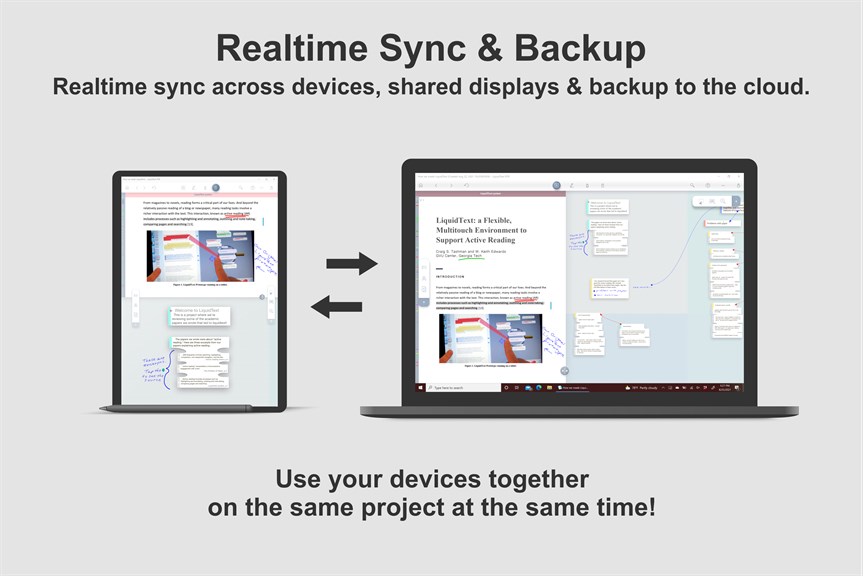
3. Limited Sharing Options: LiquidText's collaborative features are not as robust as those of some competitors, making it harder to share and work on documents with others who do not use the software or prefer different formats.


