
Keeper® Password Manager
for Windows- Name Keeper® Password Manager
- Category Productivity
- Downloads 48,000,000+
- Developer Keeper Security Inc
- Available on PC
- OS Windows 10 version 15063.0 or higher
- Architecture x64
- Keyboard Integrated Keyboard
- Mouse Integrated Mouse
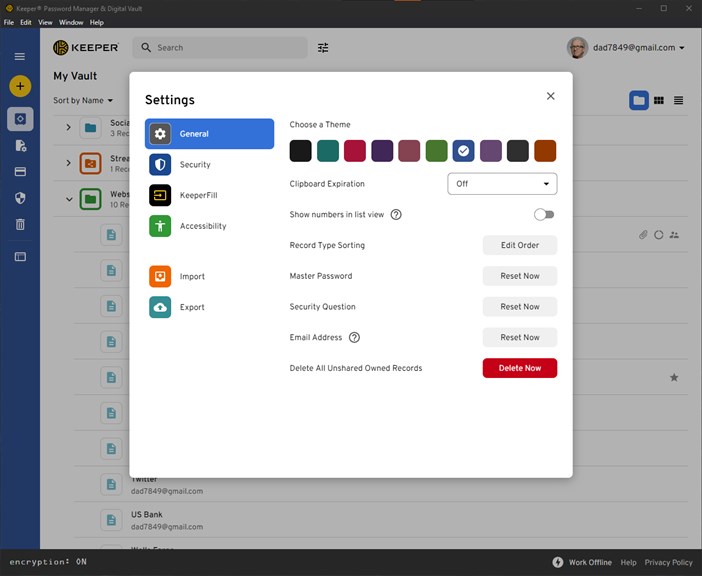

Pros
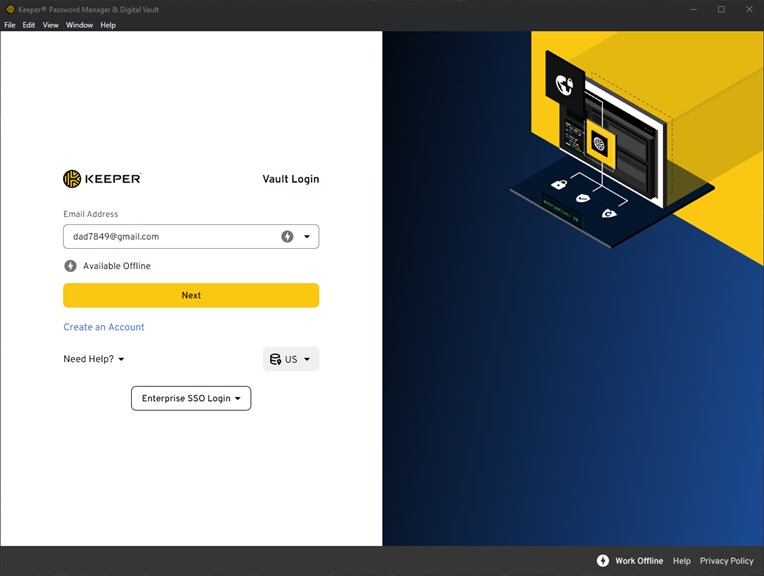
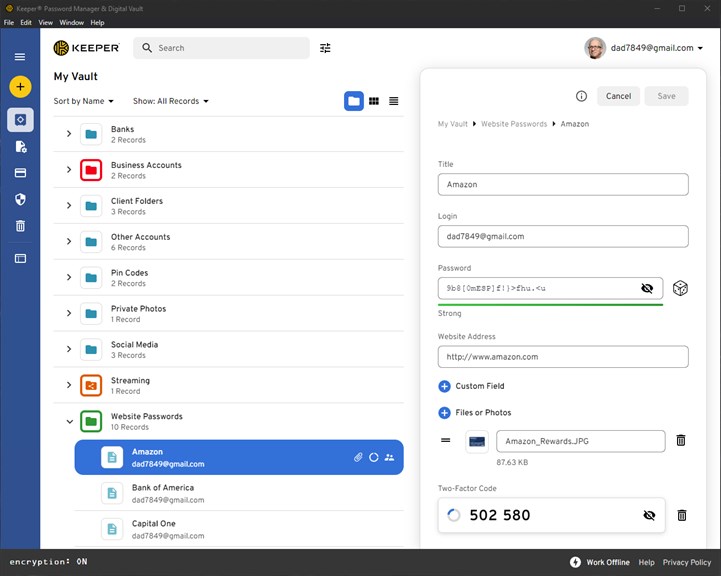
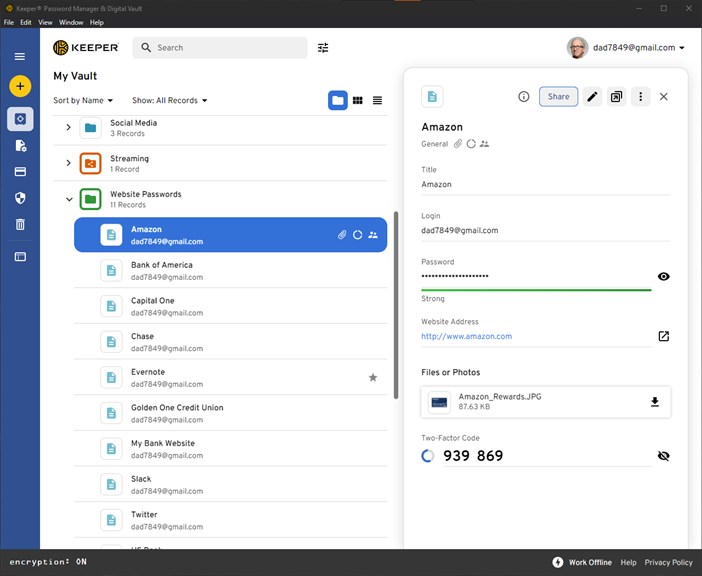
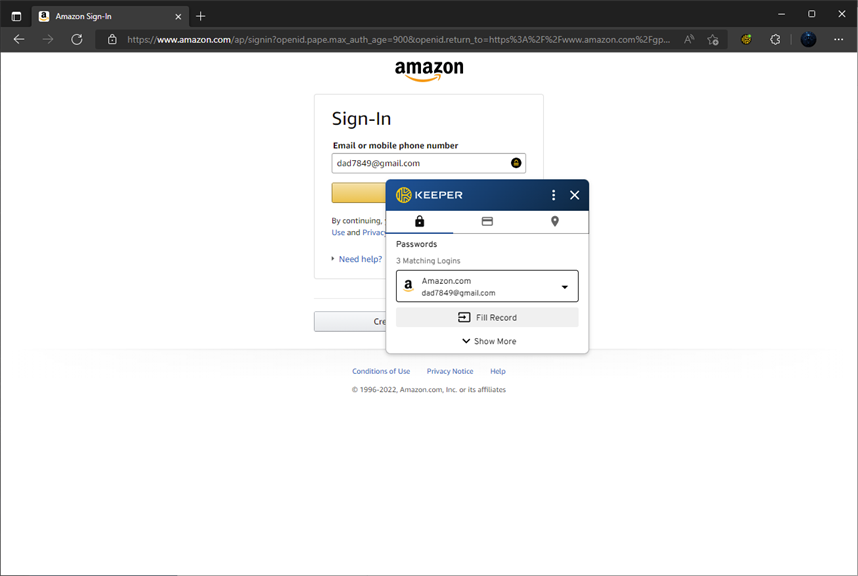
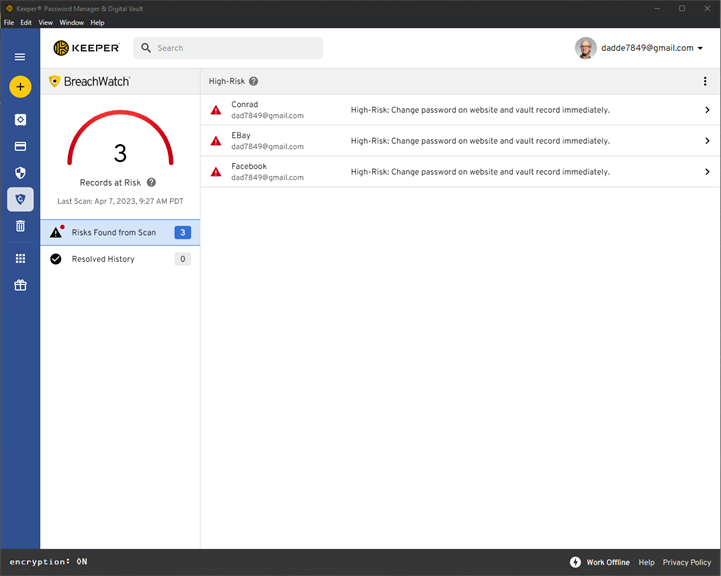
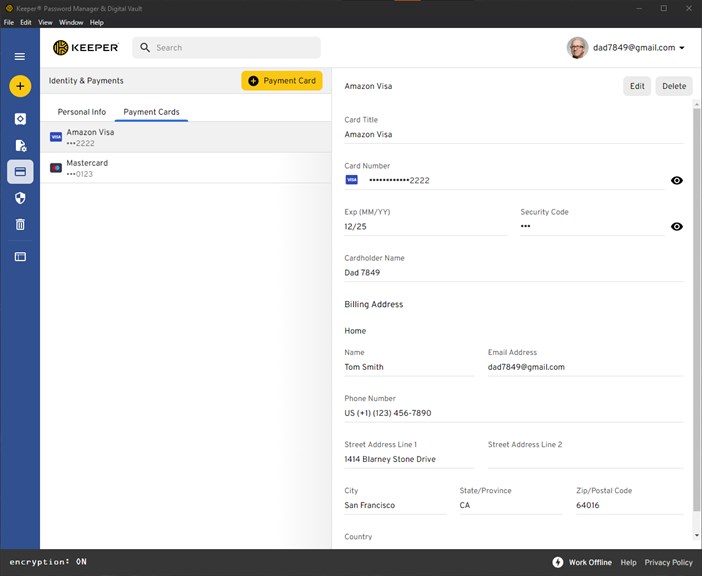
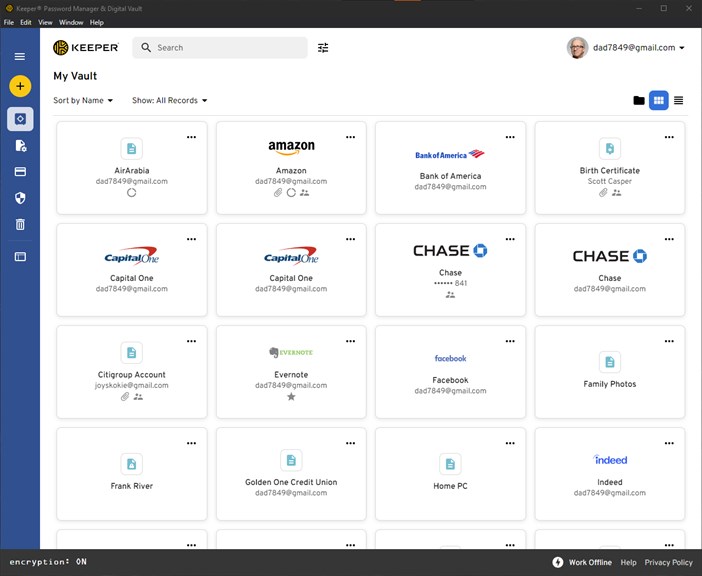
1) Keeper® Password Manager for PC securely stores and autofills passwords, eliminating the need to remember multiple complex passwords. It ensures strong and unique passwords for all accounts, protecting against data breaches and unauthorized access.
2) With biometric authentication options like fingerprint and face recognition, Keeper® Password Manager provides an extra layer of security for accessing password-protected accounts, keeping personal information safe from hackers.
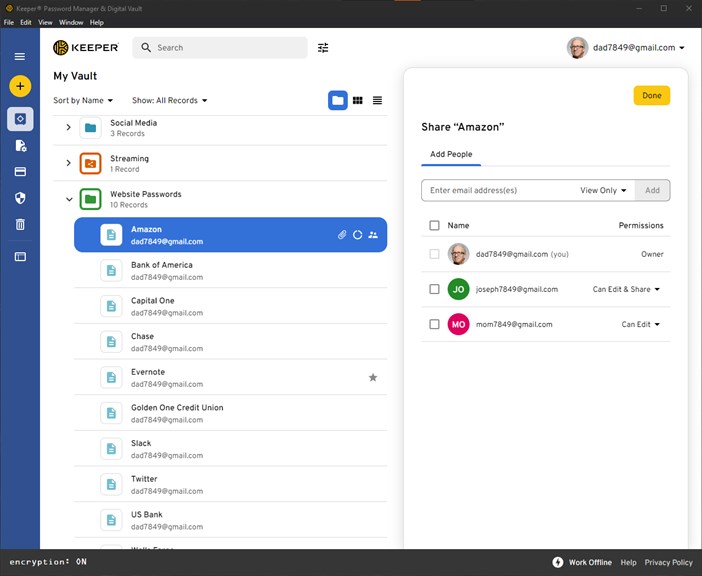
3) Keeper® Password Manager's cross-platform compatibility allows users to seamlessly access passwords from any device, ensuring convenience and peace of mind when managing passwords across multiple devices and platforms.
Cons
1. Limited device compatibility: Keeper® Password Manager software for PC may not be compatible with all devices, restricting its usage to only PC users and excluding users of other operating systems such as Mac or Linux.
2. Subscription cost: While the software offers a free version, the full-featured version requires a subscription, making it less attractive for budget-conscious users who prefer free alternatives.
3. Learning curve: The interface and functionality of Keeper® Password Manager software for PC might not be intuitive for all users, requiring a learning curve and time investment to fully understand and utilize its features effectively.


