
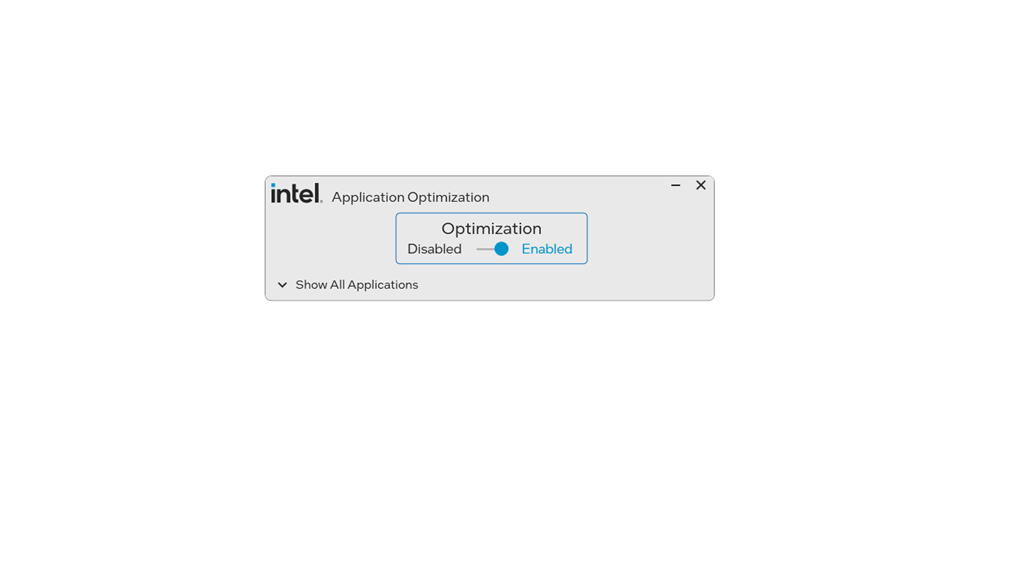
Intel® Application Optimization
for Windows- Name Intel® Application Optimization
- Category Business
- Downloads 26,000,000+
- Developer INTEL CORP
- Available on PC, Mobile, Surface Hub, HoloLens
- OS Windows 10 version 17763.0 or higher
- Architecture x64
- Mouse Integrated Mouse
- Processor Select Intel(R) Core 14th Gen SKUS and newer (See website for SKU list)
Pros
1. Improved Performance: Intel® Application Optimization tailors application workloads to Intel hardware, enhancing execution speed and responsiveness, resulting in a more efficient computing experience.
2. Energy Efficiency: By optimizing applications to run more effectively on Intel CPUs, the software can reduce power consumption, prolonging battery life in laptops and minimizing energy costs.
3. Enhanced Stability: The software ensures that applications are fine-tuned to Intel architectures, reducing the likelihood of compatibility issues and system crashes, leading to a more reliable user experience.
Cons
1. Compatibility Issues: Intel Application Optimization software may not be compatible with all applications, potentially leading to limited performance improvements and exclusions of some programs from optimization benefits.
2. Resource Consumption: The optimization process can be resource-intensive, demanding significant CPU and memory resources during analysis and optimization phases, potentially slowing down the system.
3. Limited Control: Users may experience reduced control over their applications' behavior, as the software automatically adjusts settings which could lead to unintended consequences or undesired performance changes in certain apps.


