
Inkscape
for Windows- Name Inkscape
- Category Multimedia design
- Downloads 86,000,000+
- Developer Inkscape
- Available on PC
- OS Windows 10 version 17763.0 or higher
- Architecture x64
- Keyboard Not specified
- Mouse Not specified
- Memory Not specified


Pros
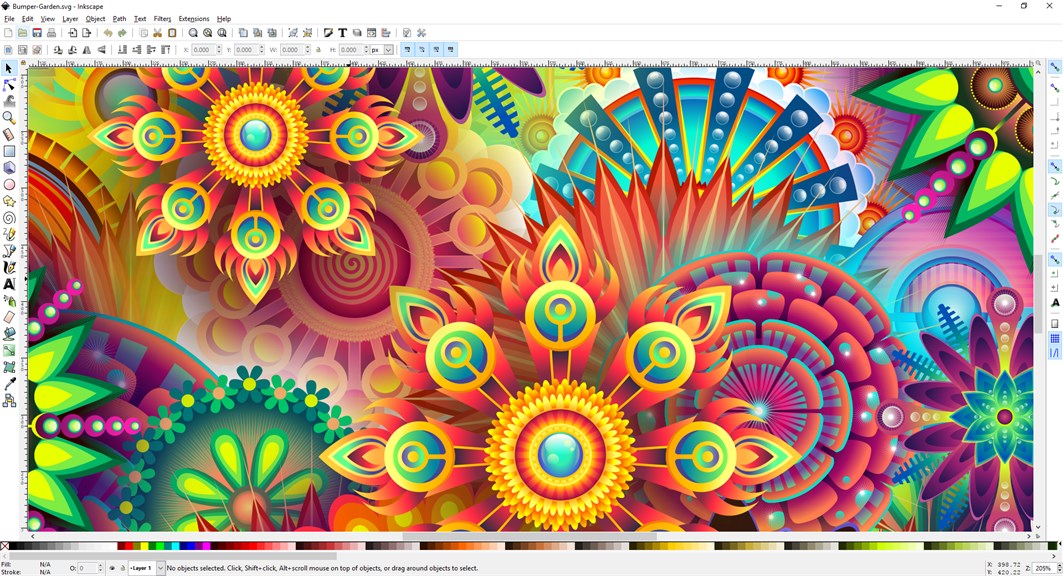
1. Inkscape is a free and open-source software, making it accessible to anyone without cost limitations. It allows users to create professional-quality vector graphics, making it ideal for graphic designers, artists, and illustrators.
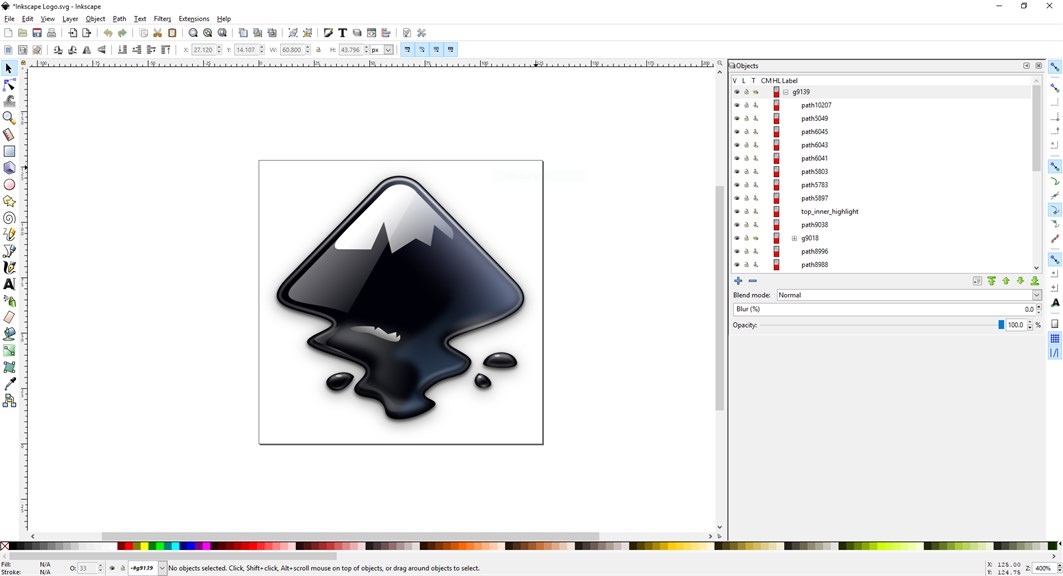
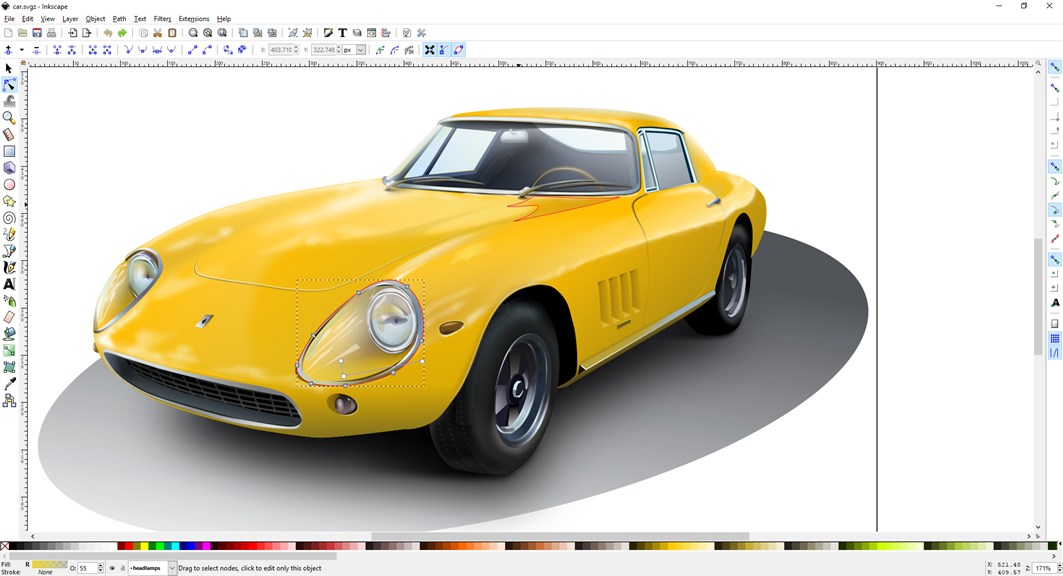
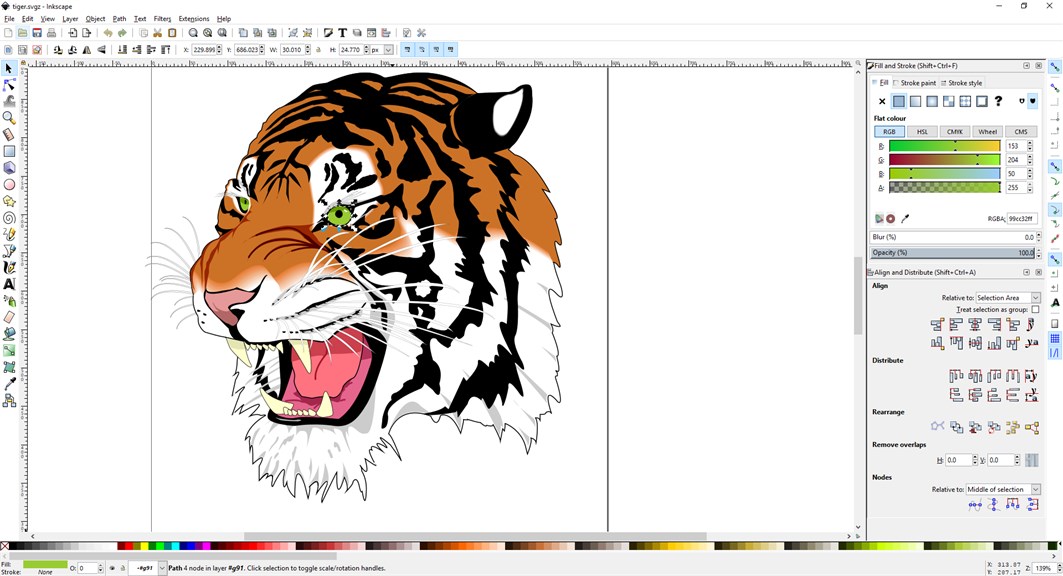
2. Inkscape offers a wide range of tools and features, including drawing and object manipulation tools, text support, filters, and effects. These tools provide users with flexibility and creativity in designing and editing their graphics.
3. Inkscape has a user-friendly interface, allowing both beginners and experienced users to navigate and utilize the software easily. Its intuitive layout, combined with extensive documentation and online resources, makes it easy to learn and use for all skill levels.
Cons
1. Limited file compatibility: Inkscape for PC has limited compatibility with other design software, making it challenging to share files with colleagues or clients who use different programs.
2. Steep learning curve: Inkscape's complex interface and extensive features can be overwhelming for beginners, requiring significant time and effort to navigate and master its functionalities.
3. Performance issues: Inkscape for PC may experience lag or slowdowns, particularly when working with large or complex files, which can hinder productivity and cause frustration for users.


