
iFax: Send & Receive Fax App
for Windows- Name iFax: Send & Receive Fax App
- Category Business
- Downloads 66,000,000+
- Developer Crowded Road
- Available on PC, Mobile, Surface Hub
- OS Windows 10 version 17134.0 or higher
- Architecture x86, x64, Arm
Pros
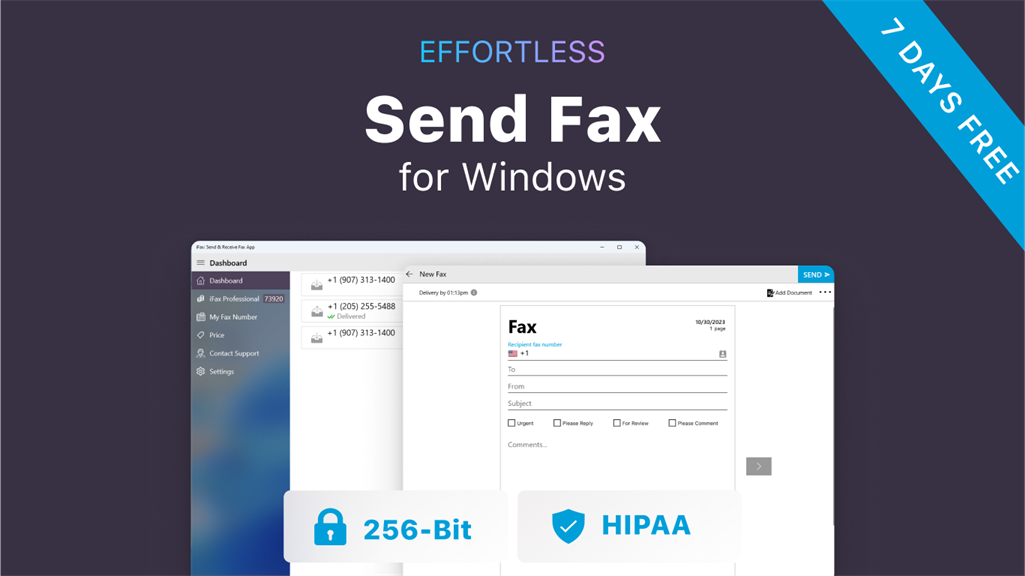
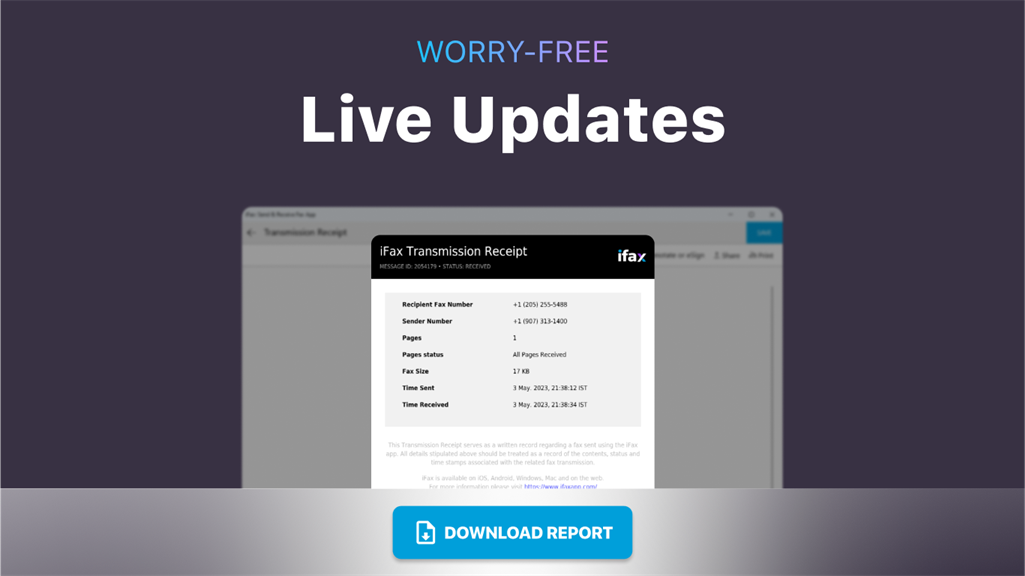
1. Convenient and seamless faxing: iFax allows users to send and receive faxes directly from their PC, eliminating the need for physical fax machines and paper documents. This streamlines the faxing process and saves time and resources.
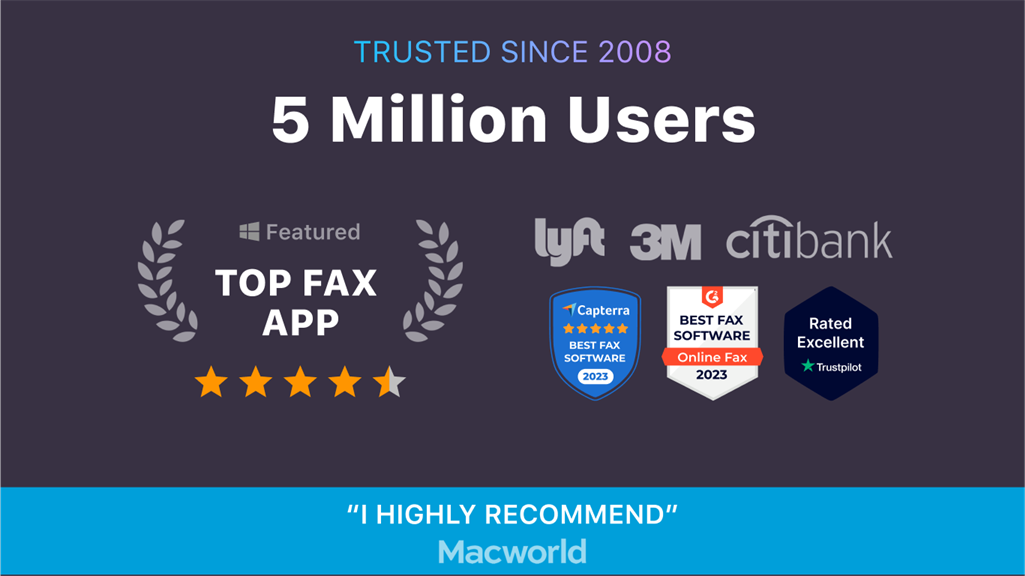
2. Secure and reliable: iFax ensures the security and privacy of sensitive documents, providing end-to-end encryption and secure cloud storage. With reliable delivery and real-time sending and receiving notifications, users can trust that their faxes will be delivered promptly and securely.
3. Multi-platform compatibility: iFax software is compatible with multiple platforms, including Windows, macOS, and iOS. This allows for flexibility in accessing and managing fax documents across different devices, enhancing convenience and productivity for users.
Cons
1. Limited integration options: iFax: Send & Receive Fax App software for PC offers limited integration with other applications and platforms, limiting the ease of use and ability to streamline workflow processes.
2. High subscription costs: The iFax software for PC comes with a high-cost subscription model, which can be a significant disadvantage for individuals or businesses looking for cost-effective faxing solutions.
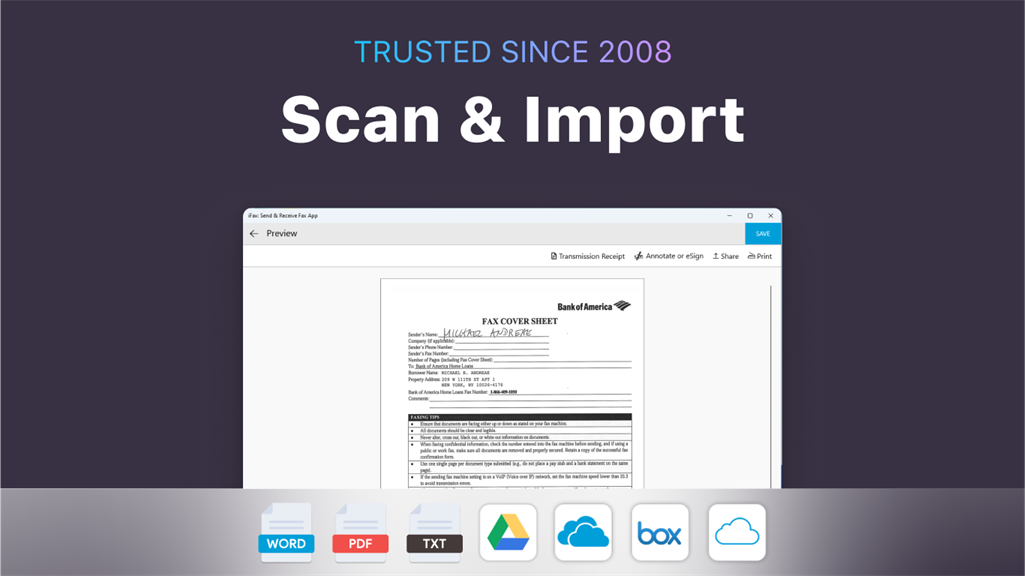
3. Limited support for certain file types: The software has limited support for various file types, which can be inconvenient for users who frequently need to send or receive files in formats that are not supported by the iFax software.


