
Fedora WSL
for Windows- Name Fedora WSL
- Category Developer tools
- Downloads 104,000,000+
- Developer Vineel Sai
- Available on PC
- OS Windows 10 version 19041.0 or higher
- Keyboard Integrated Keyboard
- Memory 4 GB
- Mouse Not specified

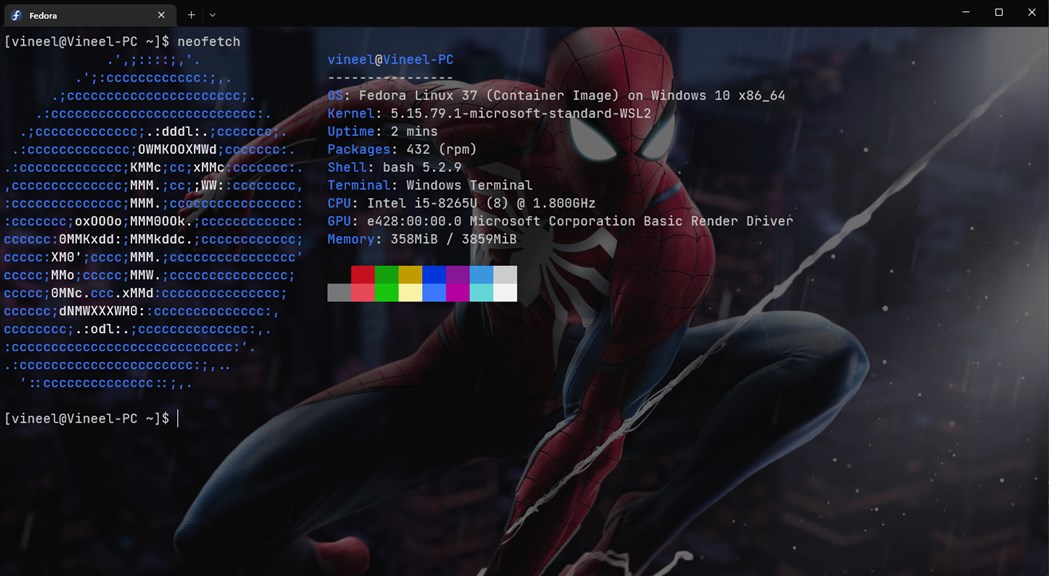
Pros
1. Seamless Integration: Fedora WSL seamlessly integrates with the Windows environment, allowing users to run Linux applications and tools alongside Windows applications without the need for dual-booting or using a virtual machine.
2. Developer-Friendly: Fedora WSL provides access to a rich repository of development tools and libraries, making it an ideal platform for developers working on cross-platform projects, especially those requiring Linux-specific tools.
3. Regular Updates: Fedora WSL benefits from Fedora's commitment to providing cutting-edge software and frequent updates, ensuring that users have access to the latest features, security improvements, and bug fixes.
Cons
1. Limited Support for GUI Applications: Fedora WSL primarily supports command-line tools, and setting up a graphical user interface (GUI) requires additional configuration and resources.
2. Performance Overhead: Running Fedora on WSL introduces a performance overhead compared to running it natively on hardware, which can affect speed and efficiency, especially for resource-intensive applications.
3. Compatibility Issues: Some software packages and tools may not work seamlessly on Fedora WSL due to differences between Fedora's native environment and the WSL layer, leading to potential compatibility issues.


