
PDF Reader Pro - PDF Editor & Converter
for Windows- Name PDF Reader Pro - PDF Editor & Converter
- Category Business
- Downloads 102,000,000+
- Developer PDF Technologies, Inc.
- Available on PC
- OS Windows 10 version 17134.0 or higher
- Architecture x86, x64
Pros
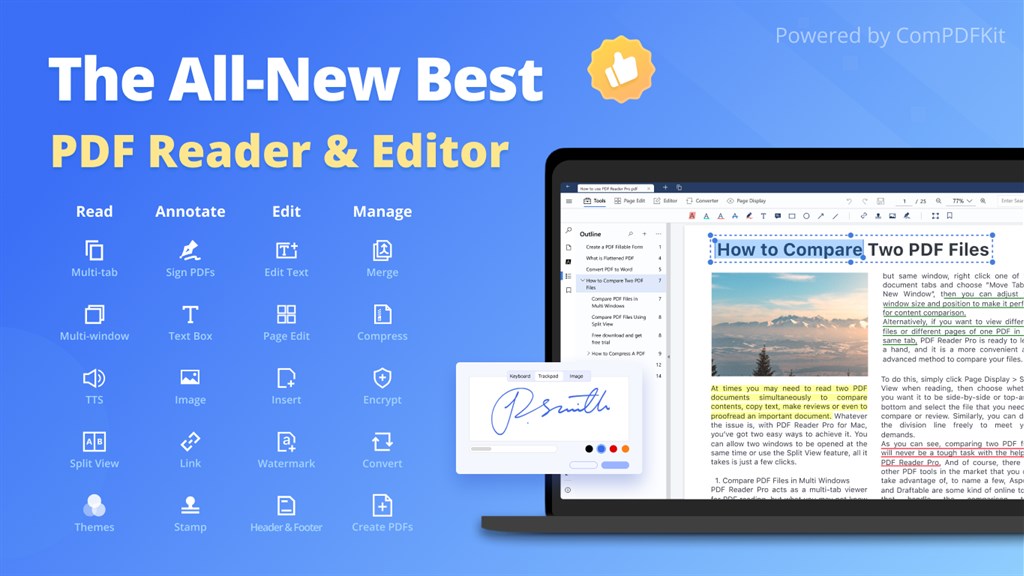
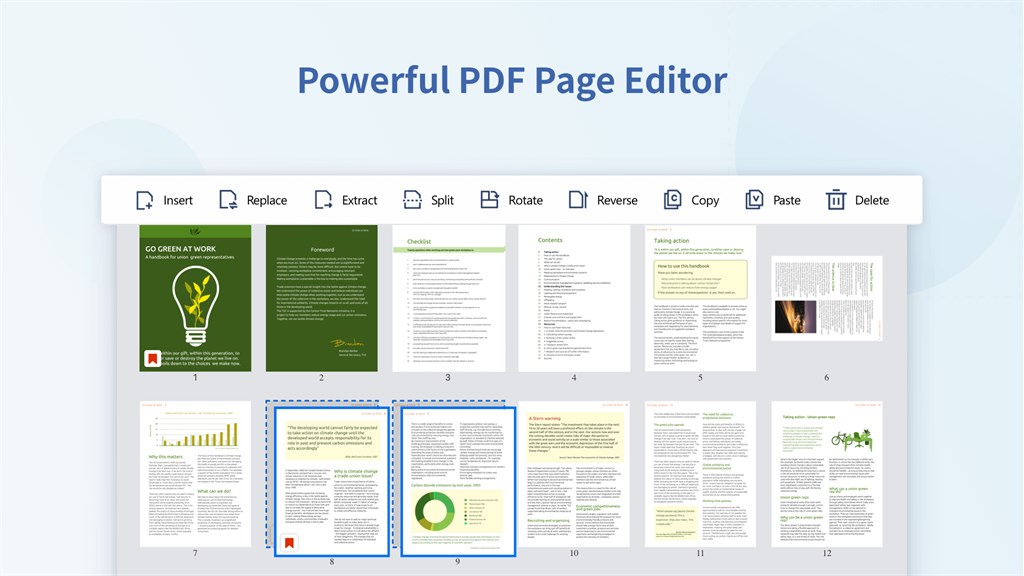
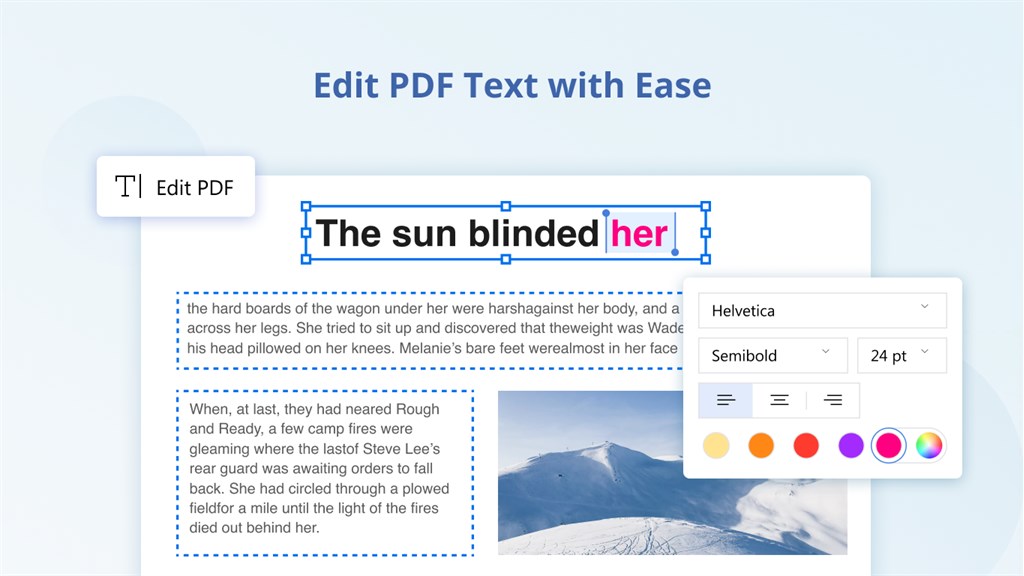
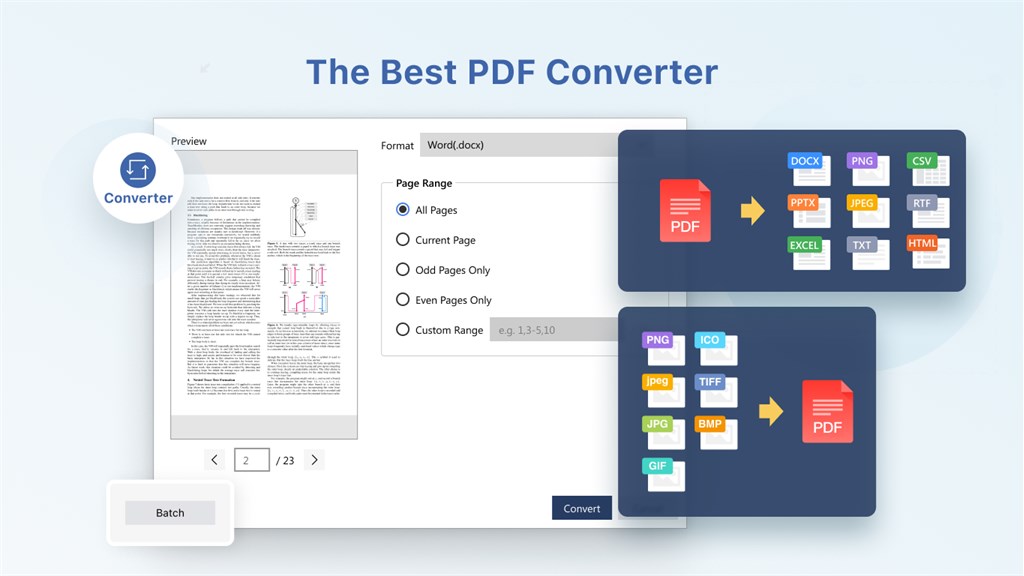
1. Versatility: PDF Reader Pro supports robust editing features allowing users to modify text, images, and pages within PDFs. It can also convert PDFs to other formats like Word, Excel, and JPG, increasing productivity across different document types.
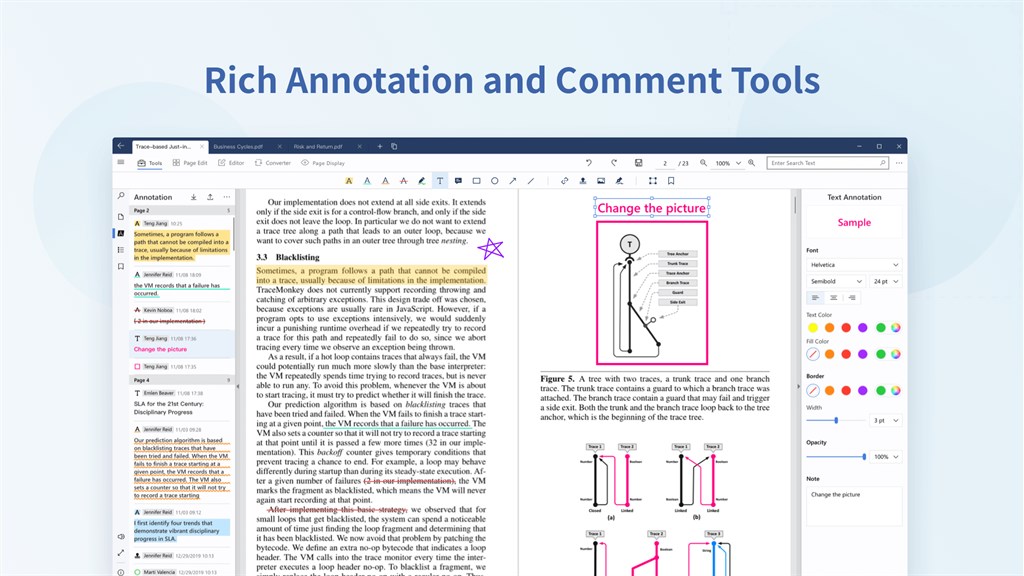
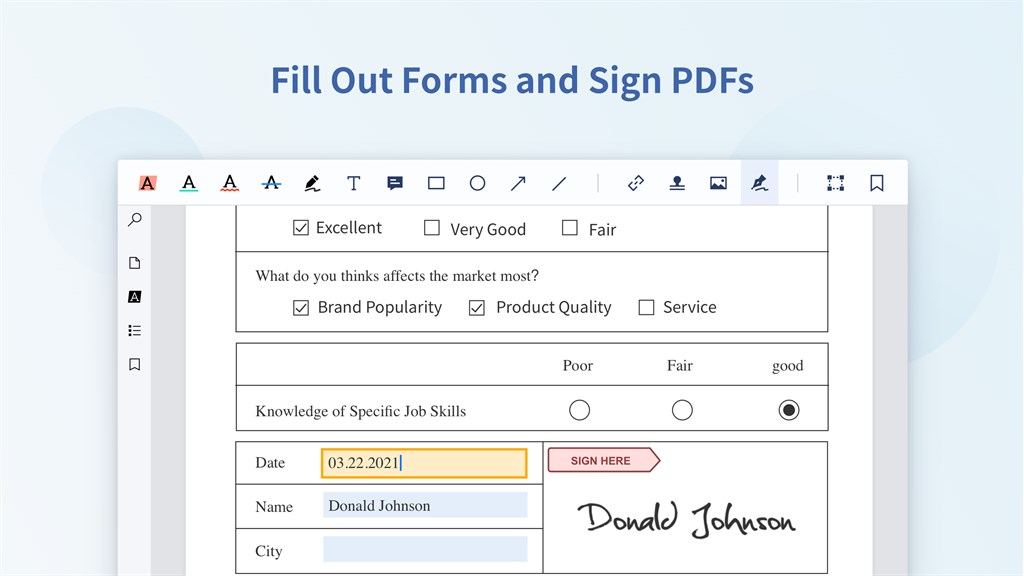
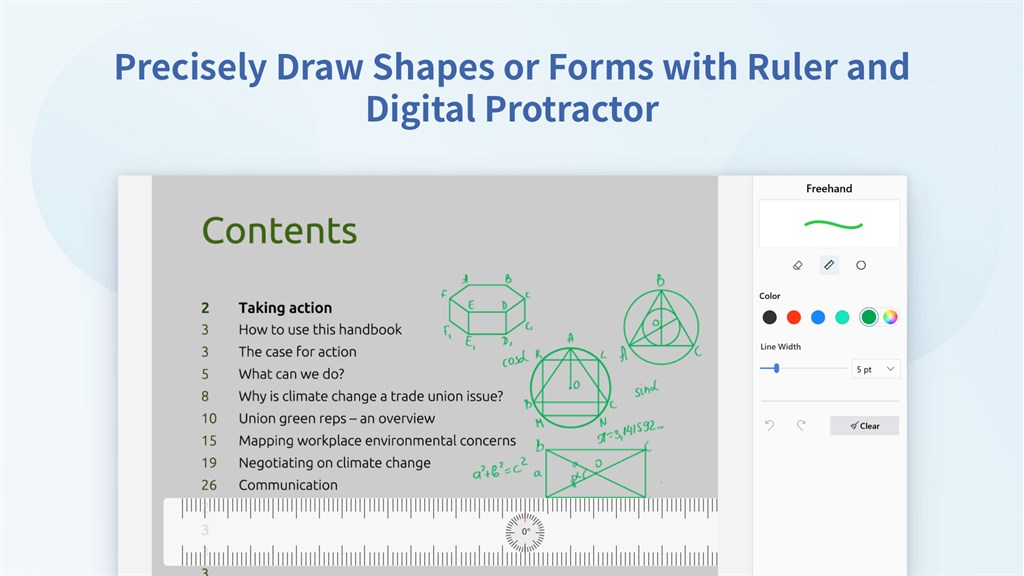
2. Annotation Tools: This software includes comprehensive annotation capabilities enabling users to highlight, underline, strike through text, and add shapes or notes, making it ideal for reviewing and collaborating on documents.
3. OCR Functionality: With Optical Character Recognition, PDF Reader Pro can transform scanned PDFs and images into searchable, editable texts. This feature enhances the accessibility and usability of digital documents containing printed or handwritten content.
Cons
1. Limited Free Features: PDF Reader Pro's free version offers a restricted set of functionalities, compelling users to purchase the full version to unlock advanced features like editing, annotation, and conversion tools.
2. Compatibility Issues: Some users report compatibility problems, particularly when dealing with non-standard PDF files, which can lead to formatting errors or inability to open certain documents.
3. Resource Intensive: The software can be demanding on system resources, potentially leading to slower performance on older PCs or those with limited processing power and memory, thus affecting multitasking and overall user experience.


