
One Calendar
for Windows- Name One Calendar
- Category Productivity
- Downloads 59,000,000+
- Developer Code Spark
- Available on PC, Mobile, Surface Hub, HoloLens
- OS Windows 10 version 17134.0 or higher
- Architecture x86, x64, Arm
Pros
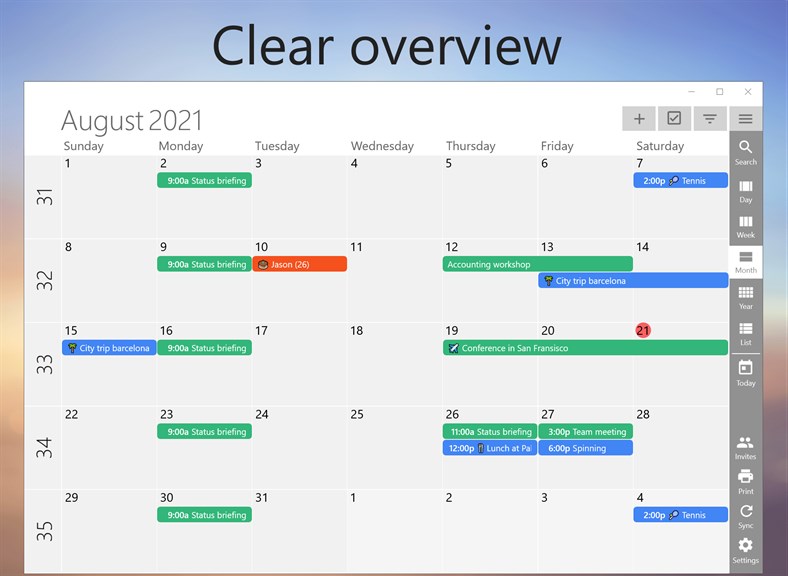
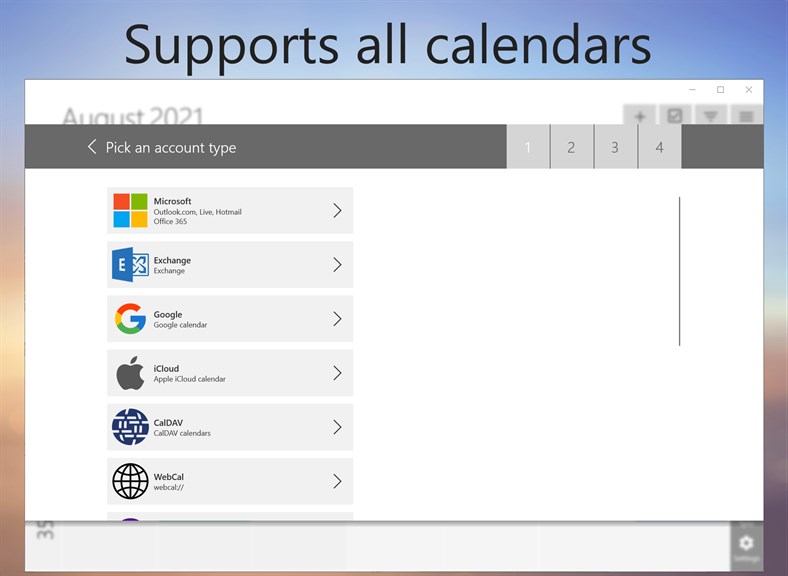
1. Efficient organization: One Calendar allows you to seamlessly integrate all your calendars from various accounts, such as Google, Outlook, and iCloud, into one centralized hub, enabling you to easily manage and stay on top of your schedule without the hassle of switching between different platforms.
2. Simplified collaboration: With its collaborative features, One Calendar enables you to seamlessly share and edit your calendar with family, friends, or colleagues. This promotes effective communication and coordination, ensuring everyone stays in sync and avoids scheduling conflicts.
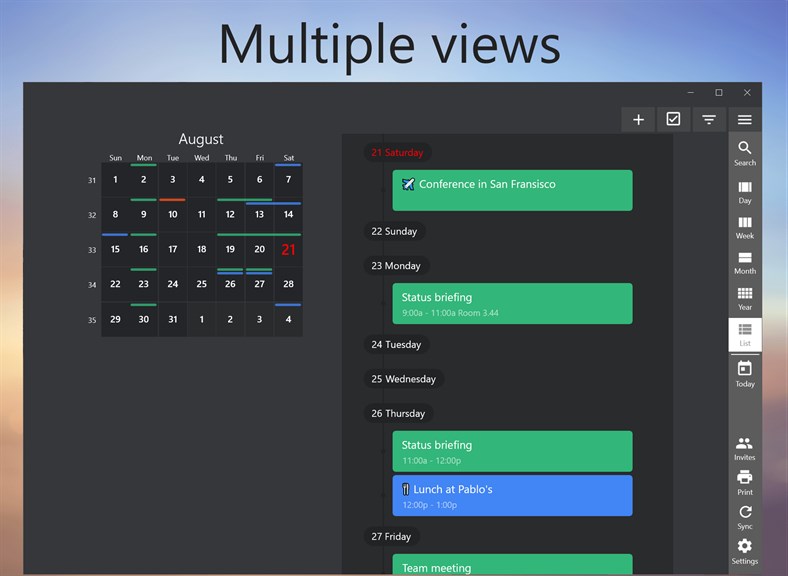
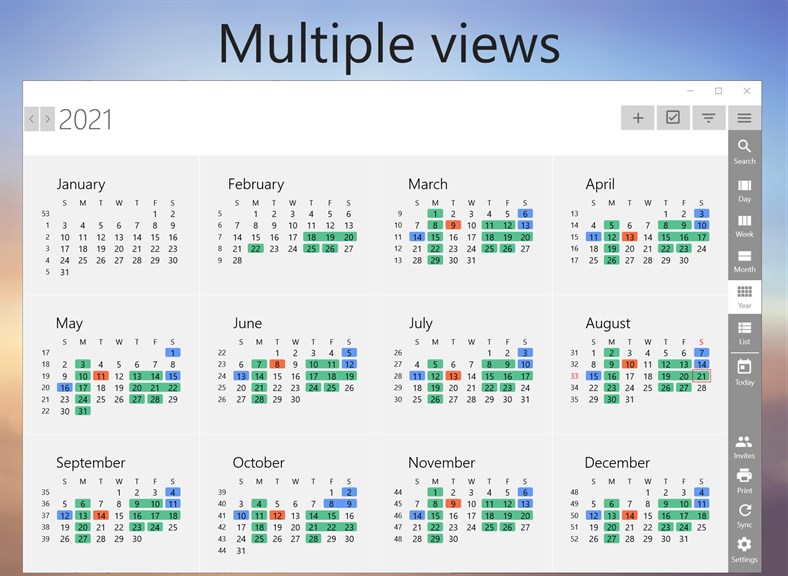
3. Seamless accessibility: One Calendar is available for Windows PC, making it easily accessible across different devices and ensuring you have access to your schedule at any time. Its user-friendly interface and smooth syncing capability ensure a hassle-free experience for all users.
Cons
1. Limited Integration: One Calendar may have limited integration capabilities, making it difficult to sync and share calendars with other software or platforms seamlessly. This can lead to compatibility issues and a lack of flexibility in managing and collaborating on events and schedules.
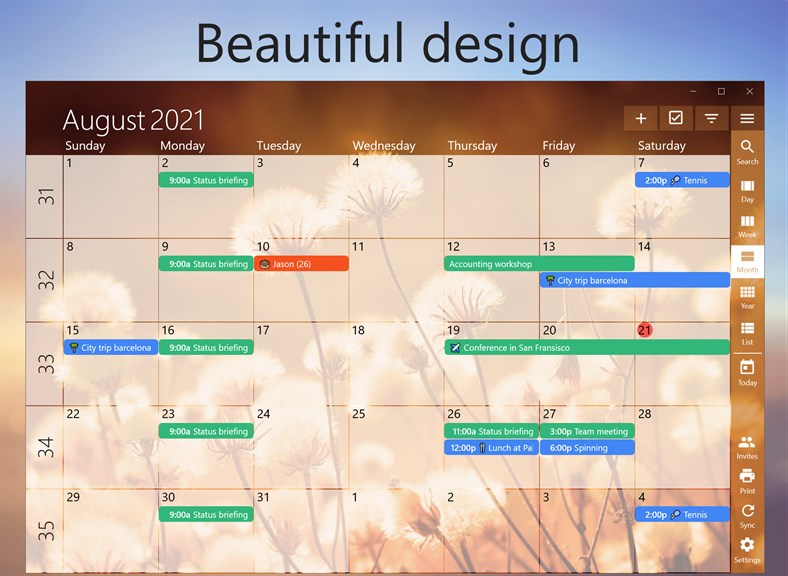
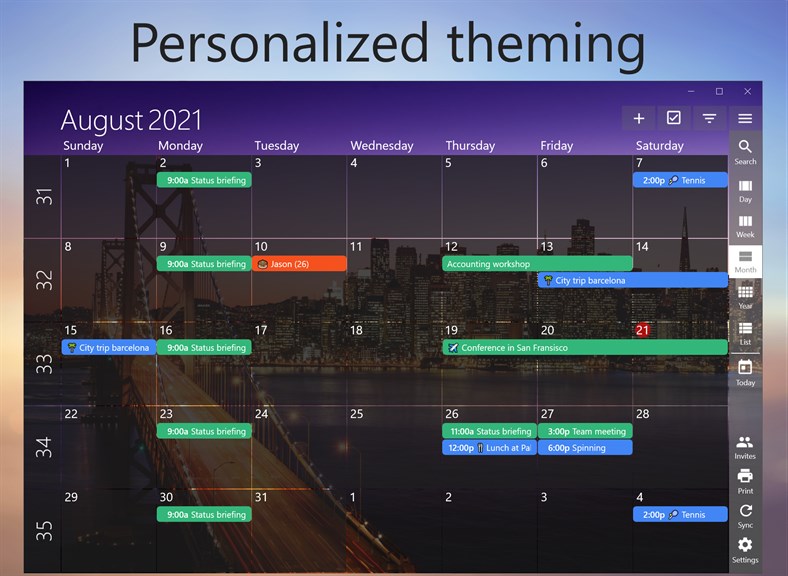
2. Limited Customization Options: One Calendar may offer limited customization options, restricting the ability to personalize the interface, layout, and display preferences to suit individual needs and preferences. This lack of flexibility can result in a less user-friendly experience and may hinder productivity.
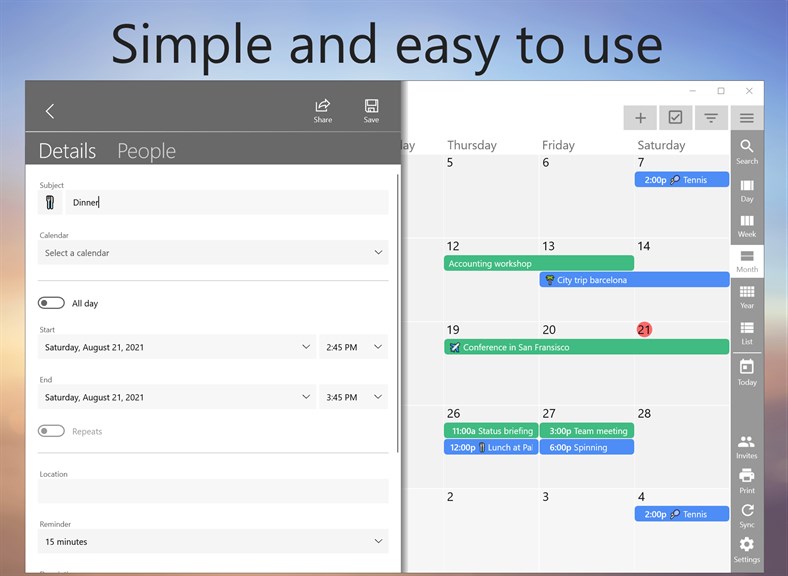
3. Steep Learning Curve: One Calendar might have a steep learning curve, requiring users to invest time in understanding its features and functionalities. This can lead to a longer onboarding process and potential frustration for users who are seeking a more intuitive and easy-to-use calendar software solution.


