
Microsoft Emulator
for Windows- Name Microsoft Emulator
- Category Developer tools
- Downloads 108,000,000+
- Developer Microsoft Corporation
- Available on PC
- OS Windows 10 version 17763.0 or higher
- Architecture x64
- Keyboard Integrated Keyboard
- Mouse Integrated Mouse
- Memory 8 GB
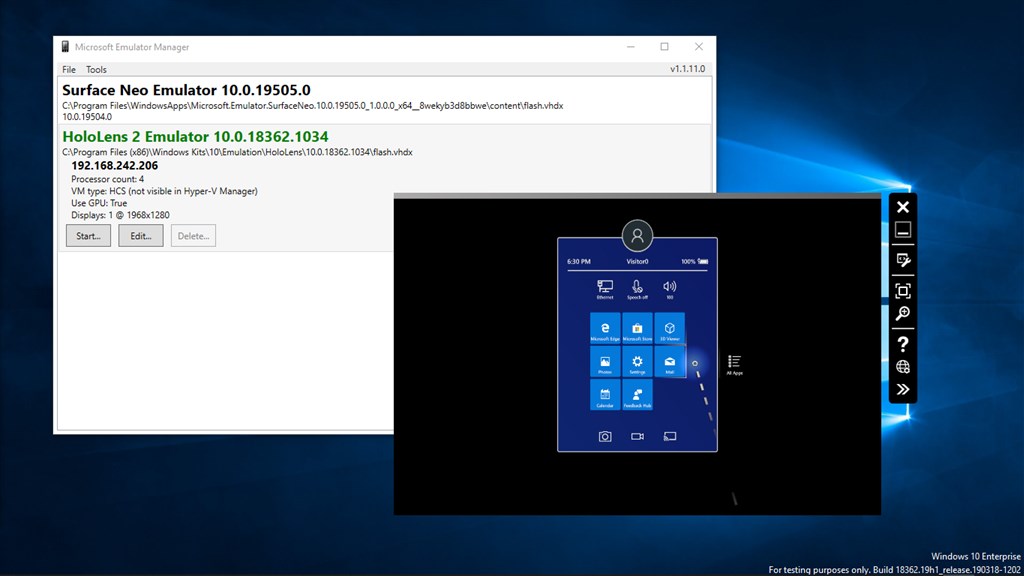
Pros
1. Software Testing: Microsoft Emulator allows developers to test their applications on different versions of Windows and devices without needing the actual hardware, ensuring compatibility and functionality across various environments.
2. Debugging Tools: The emulator includes powerful debugging tools to diagnose and fix issues within applications, providing the ability to test scenarios that may be difficult to replicate on physical devices.
3. Network Simulation: Developers can simulate different network conditions to understand how their applications will perform under various connectivity scenarios, helping to optimize app behavior and user experience.
Cons
1. Performance Issues: Microsoft Emulator may not perform optimally on all PCs, especially those with limited resources. It can be resource-intensive, leading to slower emulation speeds and reduced system responsiveness during use.
2. Limited Compatibility: The emulator primarily supports apps designed for Windows 10X and dual-screen devices, potentially restricting its usefulness for developers focused on other platforms or those who need broader compatibility.
3. Complexity: Setup and configuration of Microsoft Emulator can be complex, particularly for users who are unfamiliar with virtualization or emulator settings. This steep learning curve can act as a barrier to efficient usage.


