
LastPass for Windows Desktop
for Windows- Name LastPass for Windows Desktop
- Category Security
- Downloads 96,000,000+
- Developer LastPass
- Available on PC
- OS Windows 10 version 16299.0 or higher
- Architecture x86, x64
Pros
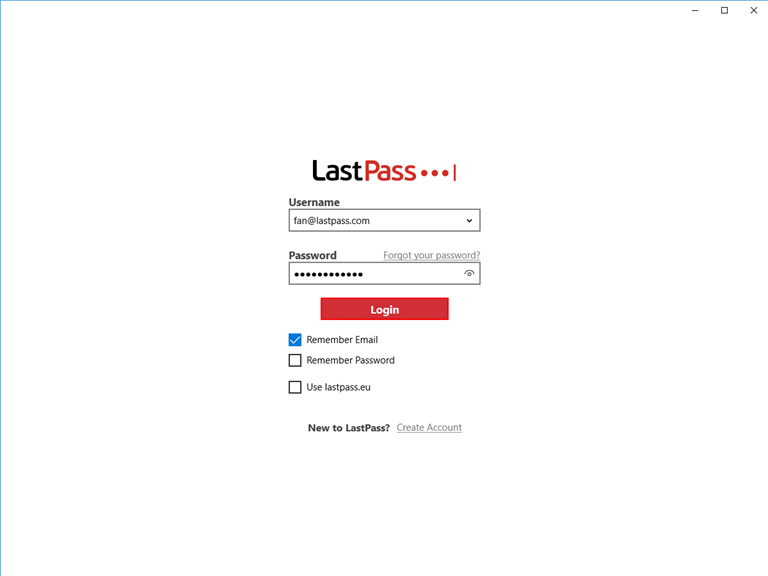
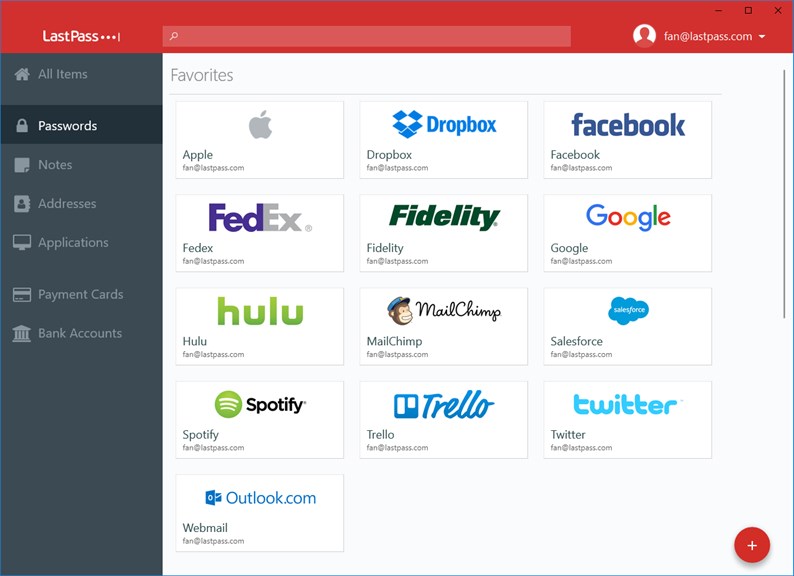
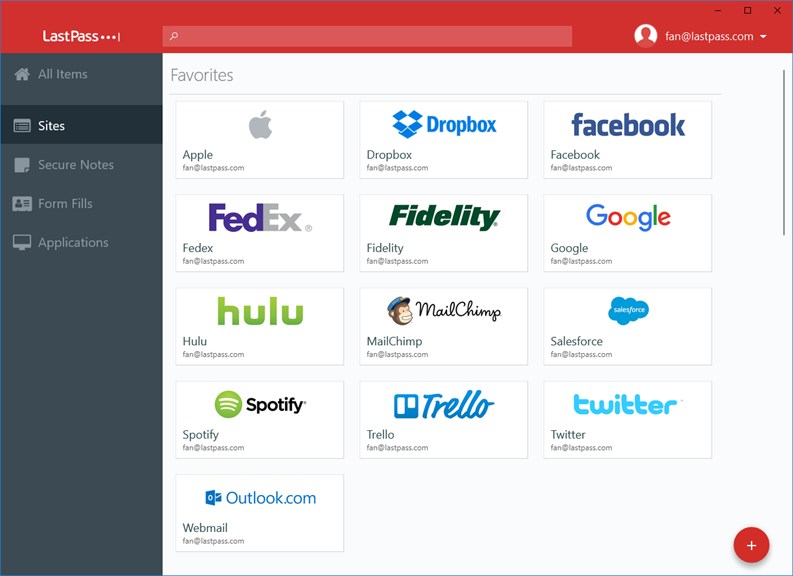
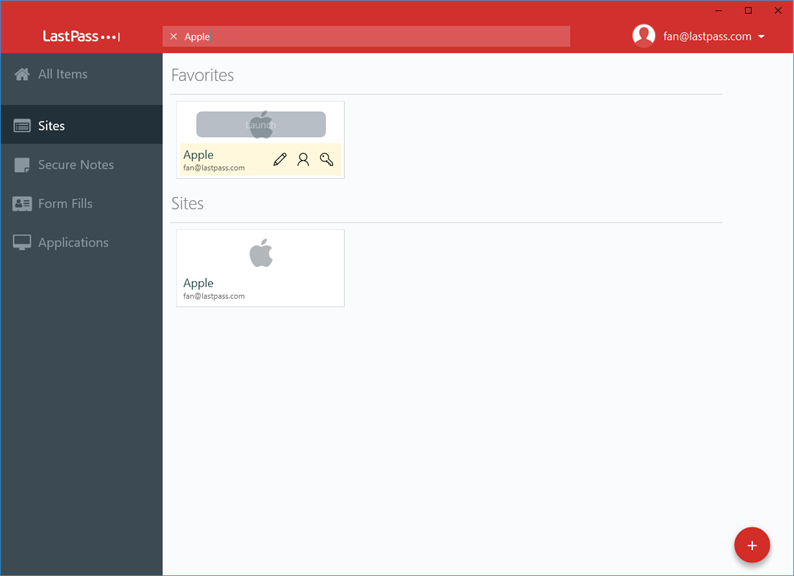
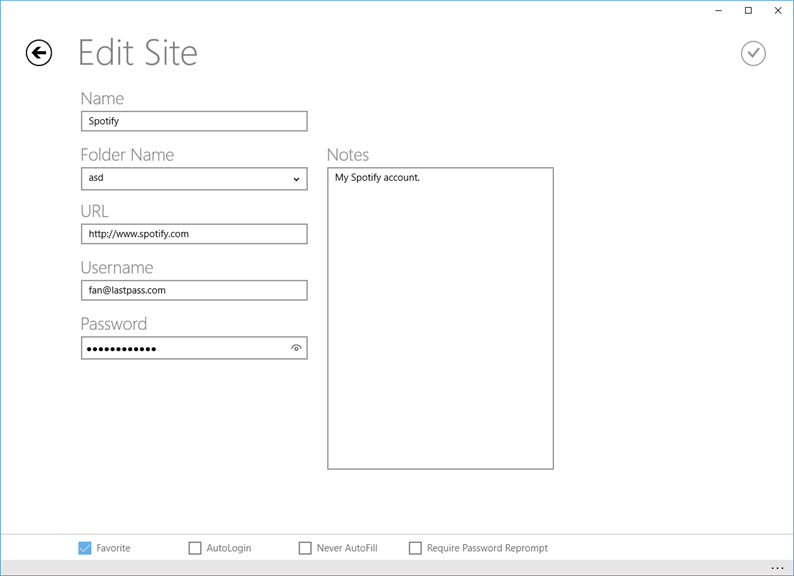
1. Convenience: LastPass for Windows Desktop software securely stores all your passwords and login information in one place, saving you the hassle of remembering multiple passwords. With a single click, you can autofill login credentials for websites, applications, and more, increasing your productivity.
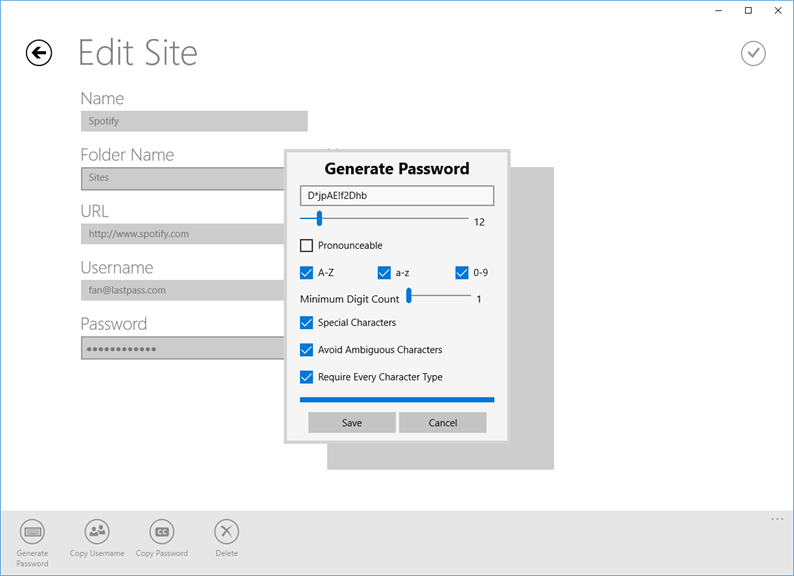
2. Enhanced Security: LastPass uses advanced encryption algorithms to protect your sensitive data. It generates unique, strong passwords for each account, significantly reducing the risk of data breaches and identity theft. LastPass also offers multifactor authentication for an additional layer of security.
3. Cross-Platform Compatibility: LastPass seamlessly integrates with multiple devices and platforms, allowing you to sync your passwords across Windows, Mac, Linux, iOS, and Android devices. This means you can access your passwords anytime, anywhere, providing a seamless experience across all your devices.
Cons
1. Limited free version: LastPass for Windows Desktop offers only a limited set of features for free, restricting some valuable functionalities accessible in the paid version, such as emergency access and family sharing.
2. Compatibility constraints: The software is compatible only with Windows operating systems, excluding macOS and Linux users, which limits its reach and usefulness for a significant portion of PC users.
3. Internet connectivity dependency: LastPass requires an active internet connection to function, which could pose an inconvenience when access to passwords and sensitive data is needed offline or during network disruptions.


