
Corel PaintShop Pro
for Windows- Name Corel PaintShop Pro
- Category Photo & video
- Downloads 103,000,000+
- Developer Corel Corporation
- Available on PC
- OS Windows 10 version 14393.0 or higher
- Architecture x64
- Keyboard Integrated Keyboard
- Mouse Integrated Mouse
- DirectX Version 9
- Memory 4 GB
- Video Memory Not specified
- Processor Intel Corel i
- Graphics Processor Integrated



Pros
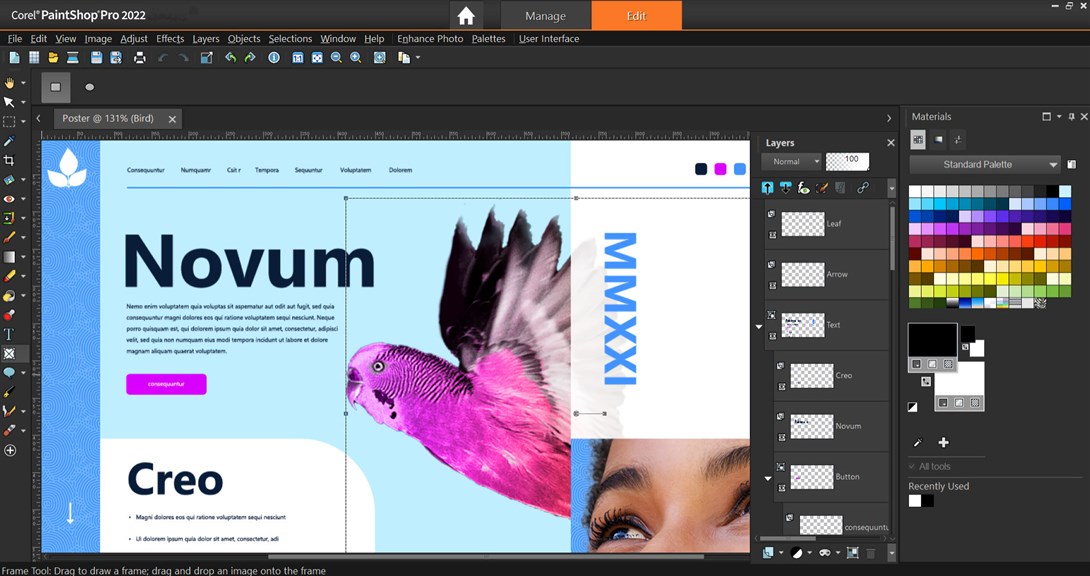
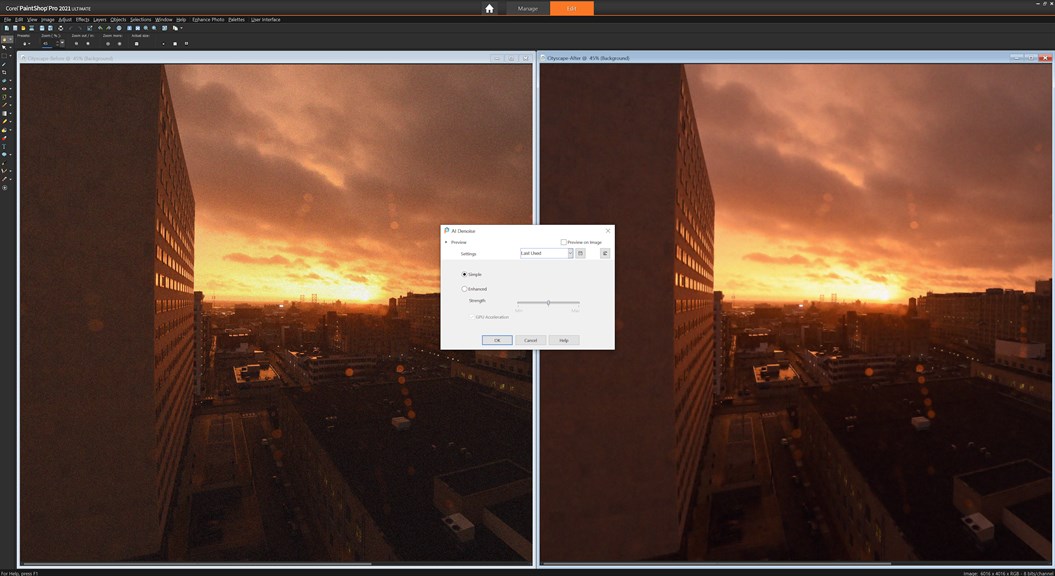
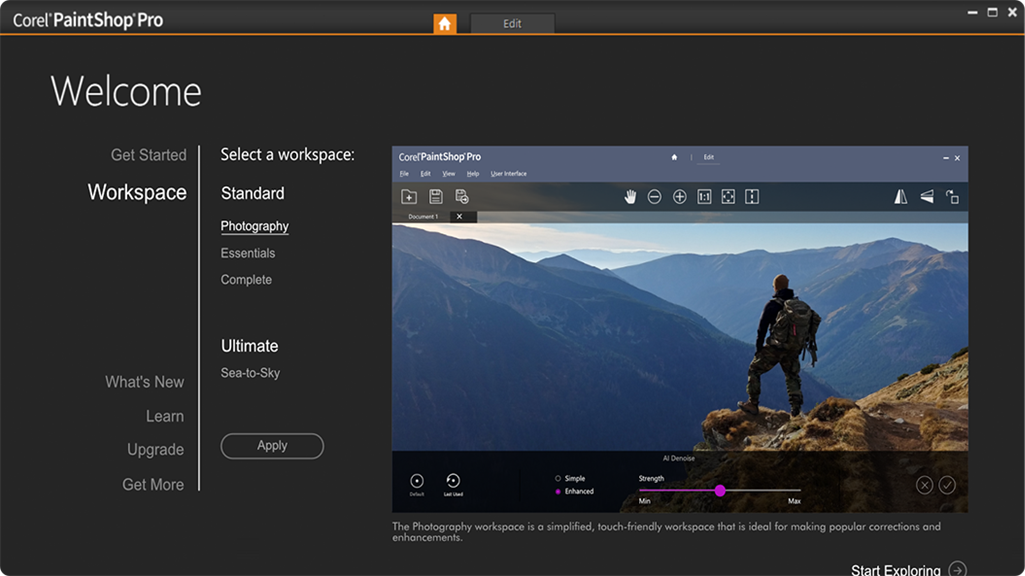
1. User-friendly interface: Corel PaintShop Pro offers a clean and intuitive interface, making it easy for PC users to navigate and access a wide range of editing tools and features efficiently.
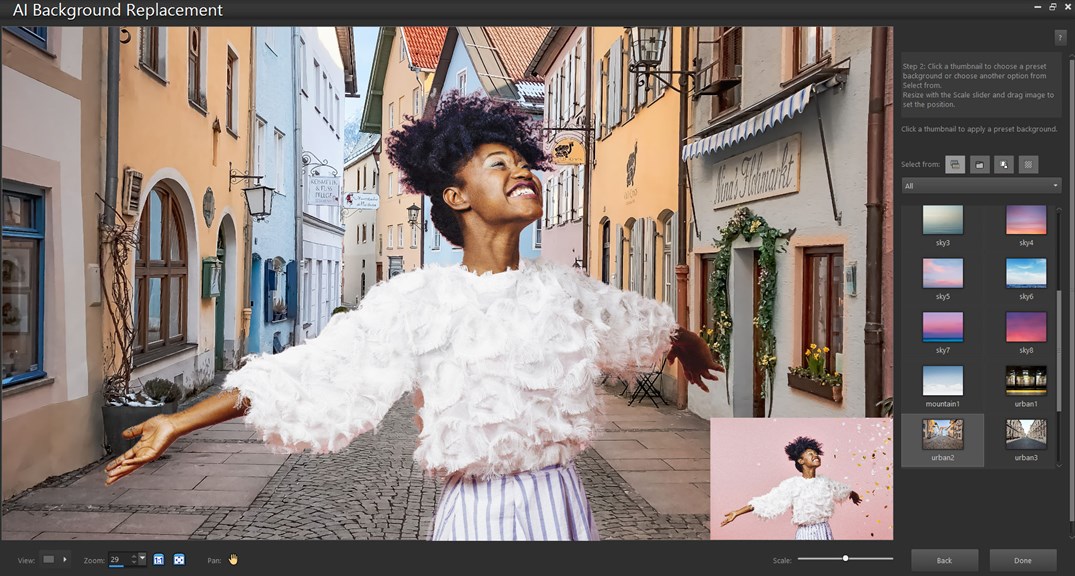
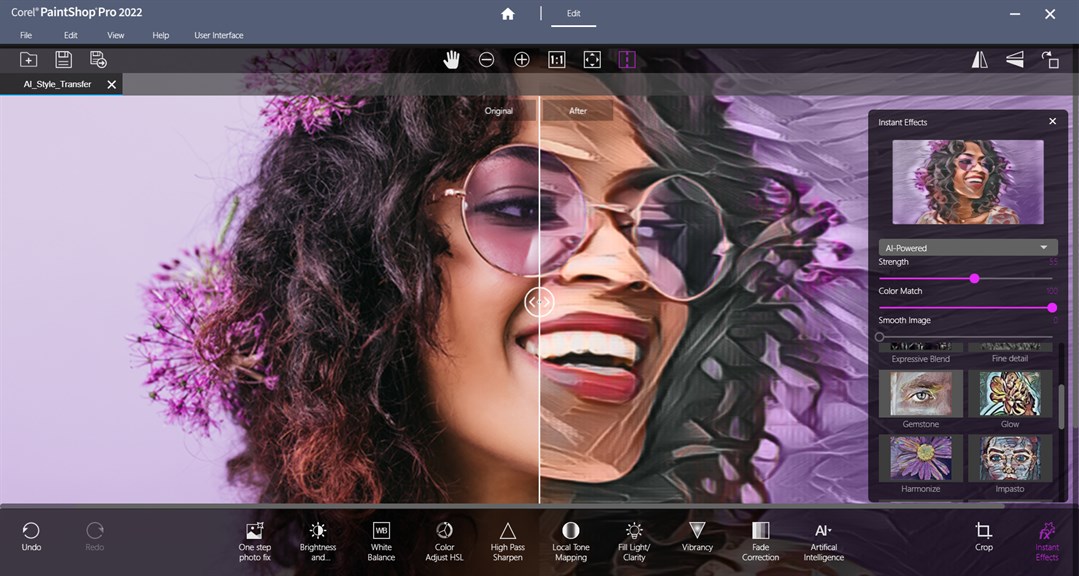
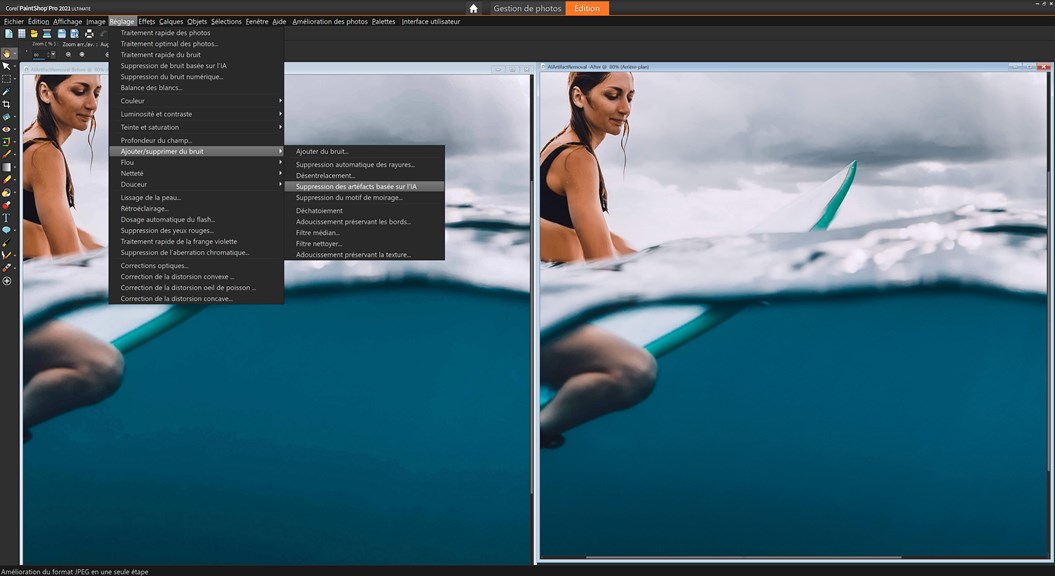
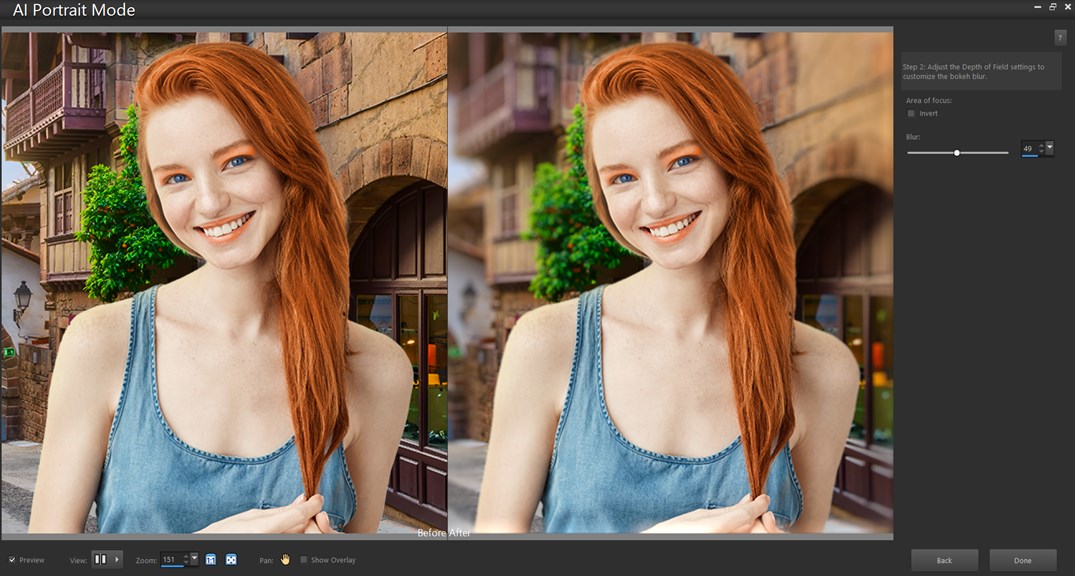
2. Versatile photo editing capabilities: With advanced editing tools, filters, and effects, this software empowers users to enhance and retouch images, as well as create stunning visual compositions for a variety of purposes, including graphic design, social media content, and professional photography.
3. Affordable option for professional-grade editing: Corel PaintShop Pro delivers professional-grade editing capabilities at a fraction of the cost compared to other similar software. This makes it an attractive option for PC users looking for powerful editing tools without breaking the bank.
Cons
1) Limited compatibility: Corel PaintShop Pro lacks support for some popular file formats, including RAW files from certain camera brands. This can be restricting for photographers and designers working with specific file types.
2) Steeper learning curve: Compared to other image editing software, PaintShop Pro may take longer to master due to its extensive range of features and more complex user interface. Beginners may need more time and effort to become proficient in its use.
3) Inconsistent performance: Some users have reported occasional glitches and slowdowns while working with PaintShop Pro, which can negatively impact productivity. Although updates remedy certain performance issues, this software may still experience occasional performance hiccups.


